EasyManua.ls Logo

MINIWARE DT71 - Page 11

Default Icon
18 pages
Print Icon
To Next Page IconTo Next Page
To Previous Page IconTo Previous Page
Loading...
»
Manual
Measure
Mode
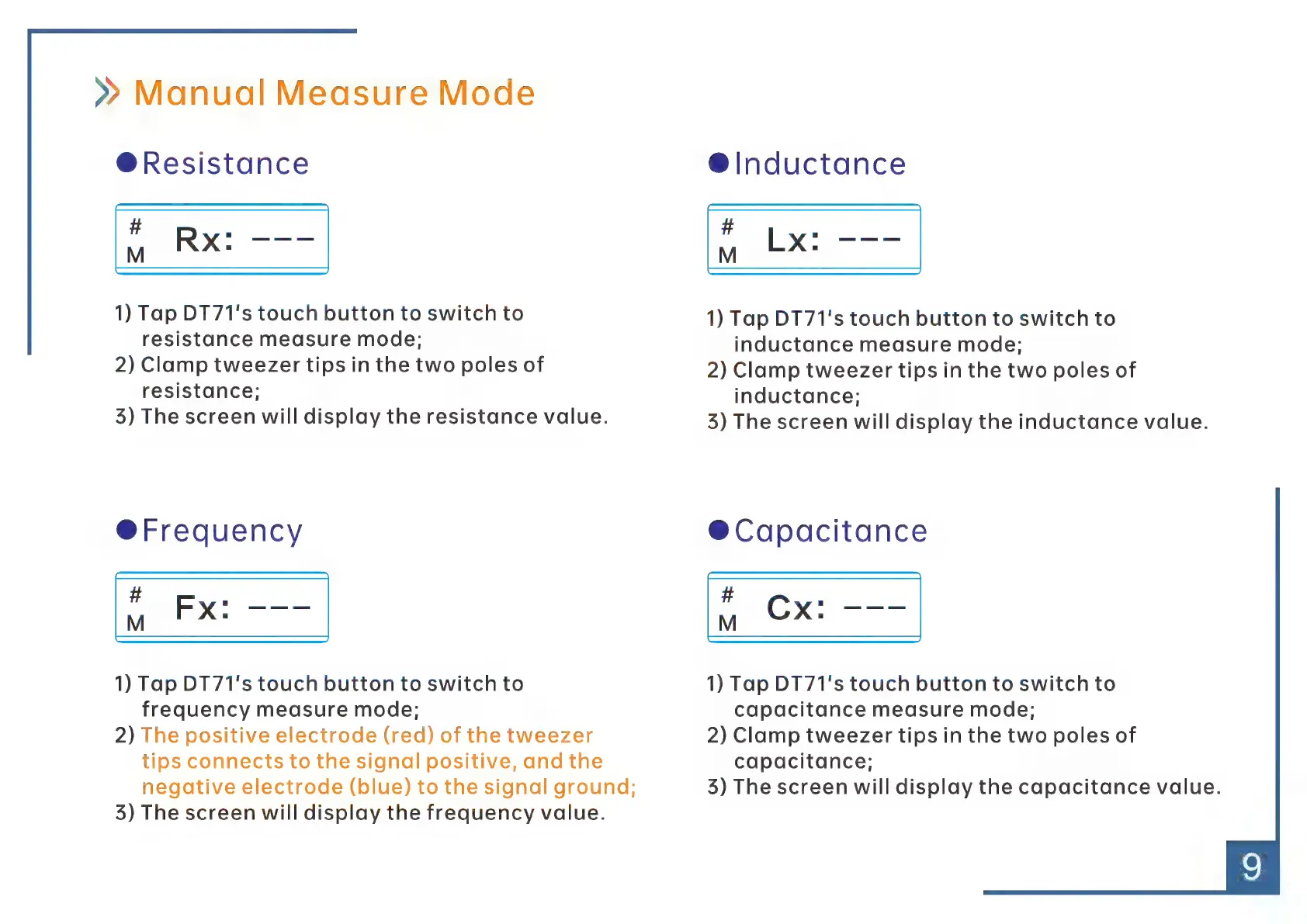
@Resistance
1)
Tap
DT71's
touch
button
to
switch
to
resistance
measure
mode;
2)
Clamp
tweezer
tips
in
the
two
poles
of
resistance;
35)
The
screen
will
display
the
resistance
value.
©
Freguency
#
ee
Âi
Fx:
1)
Tap
DT71's
touch
button
to
switch
to
frequency
measure
mode;
2)
The
positive
electrode
(red)
of
the
tweezer
tips
connects
to
the
signal
positive,
and
the
negative
electrode
(blue)
to
the
signal
ground;
3)
The
screen
will
display
the
frequency
value.
Sinductance
#
ee
Emel
1)
Tap
DT71's
touch
button
to
switch
to
inductance
measure
mode;
2)
Clamp
tweezer
tips
in
the
two
poles
of
inductance;
3)
The
screen
will
display
the
inductance
value.
©
Capacitance
#
en
ki
EE
1)
Tap
DT71's
touch
button
to
switch
to
capacitance
measure
mode;
2)
Clamp
tweezer
tips
in
the
two
poles
of
capacitance;
35)
The
screen
will
display
the
capacitance
value.