EasyManua.ls Logo

MINIWARE DT71 - Page 12

Default Icon
18 pages
Print Icon
To Next Page IconTo Next Page
To Previous Page IconTo Previous Page
Loading...
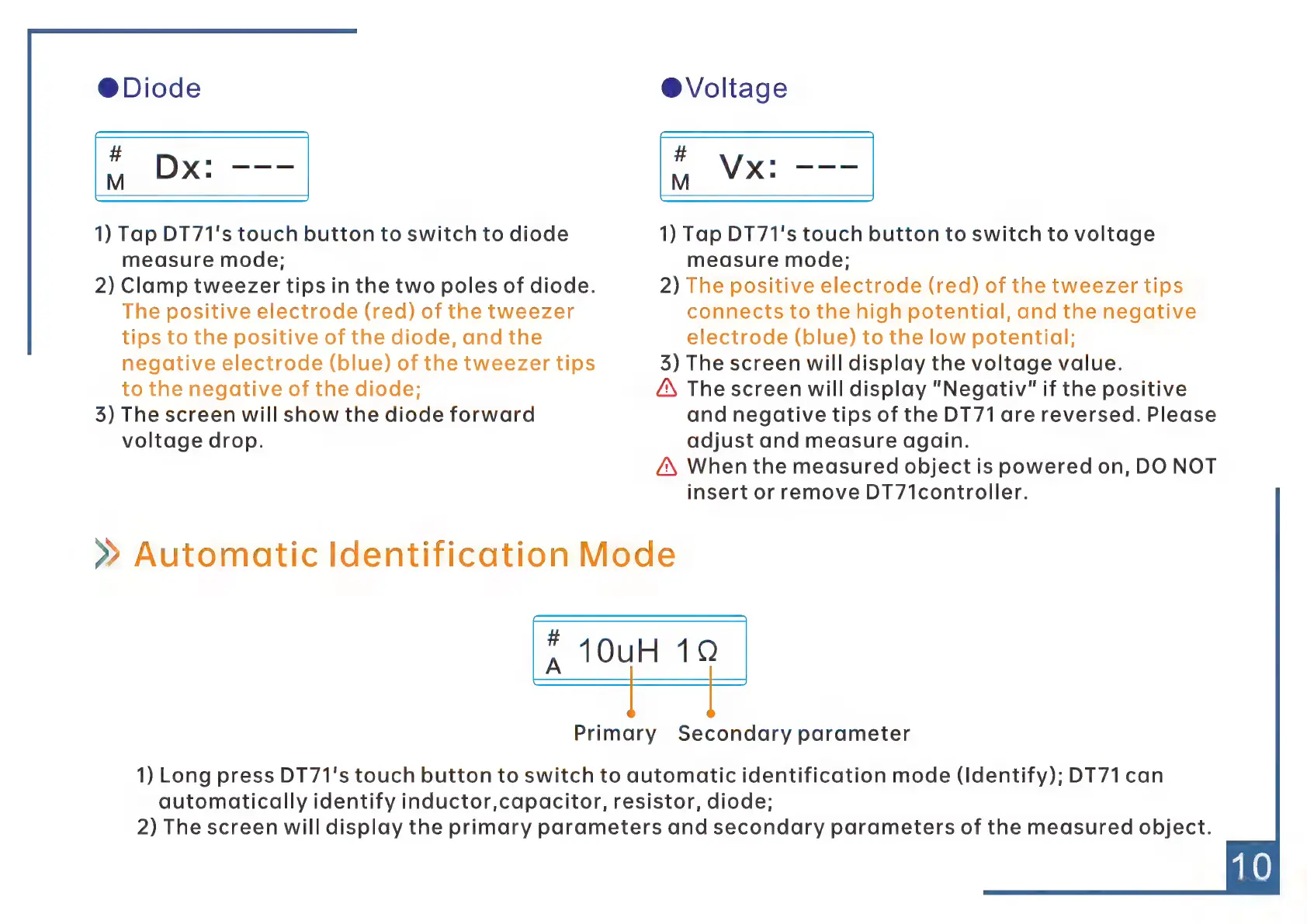
@Diode
#
B
1)
Tap
DT71's
touch
button
to
switch
to
diode
measure
mode;
2)
Clamp
tweezer
tips
in
the
two
poles
of
diode.
The
positive
electrode
(red)
of
the
tweezer
tips
to
the
positive
of
the
diode,
and
the
negative
electrode
(blue)
of
the
tweezer
tips
to
the
negative
of
the
diode;
3)
The
screen
will
show
the
diode
forward
voltage
drop.
®
Voltage
#
ie
1)
Tap
DT71's
touch
button
to
switch
to
voltage
measure
mode;
2)
The
positive
electrode
(red)
of
the
tweezer
tips
connects
to
the
high
potential,
and
the
negative
electrode
(blue)
to
the
low
potential;
35)
The
screen
will
display
the
voltage
value.
Á\
The
screen
will
display
"Negativ"
if
the
positive
and
negative
tips
of
the
DT71
are
reversed.
Please
adjust
and
measure
again.
Á\
When
the
measured
object
is
powered
on,
DO
NOT
insert
or
remove
DT71controller.
»
Automatic
Identification
Mode
A
*
10uH
10
Primary
Secondary
parameter
1)
Long
press
DT71's
touch
button
to
switch
to
automatic
identification
mode
(Identify);
DT71
can
automatically
identify
inductor,capacitor,
resistor,
diode;
2)
The
screen
will
display
the
primary
parameters
and
secondary
parameters
of
the
measured
object.