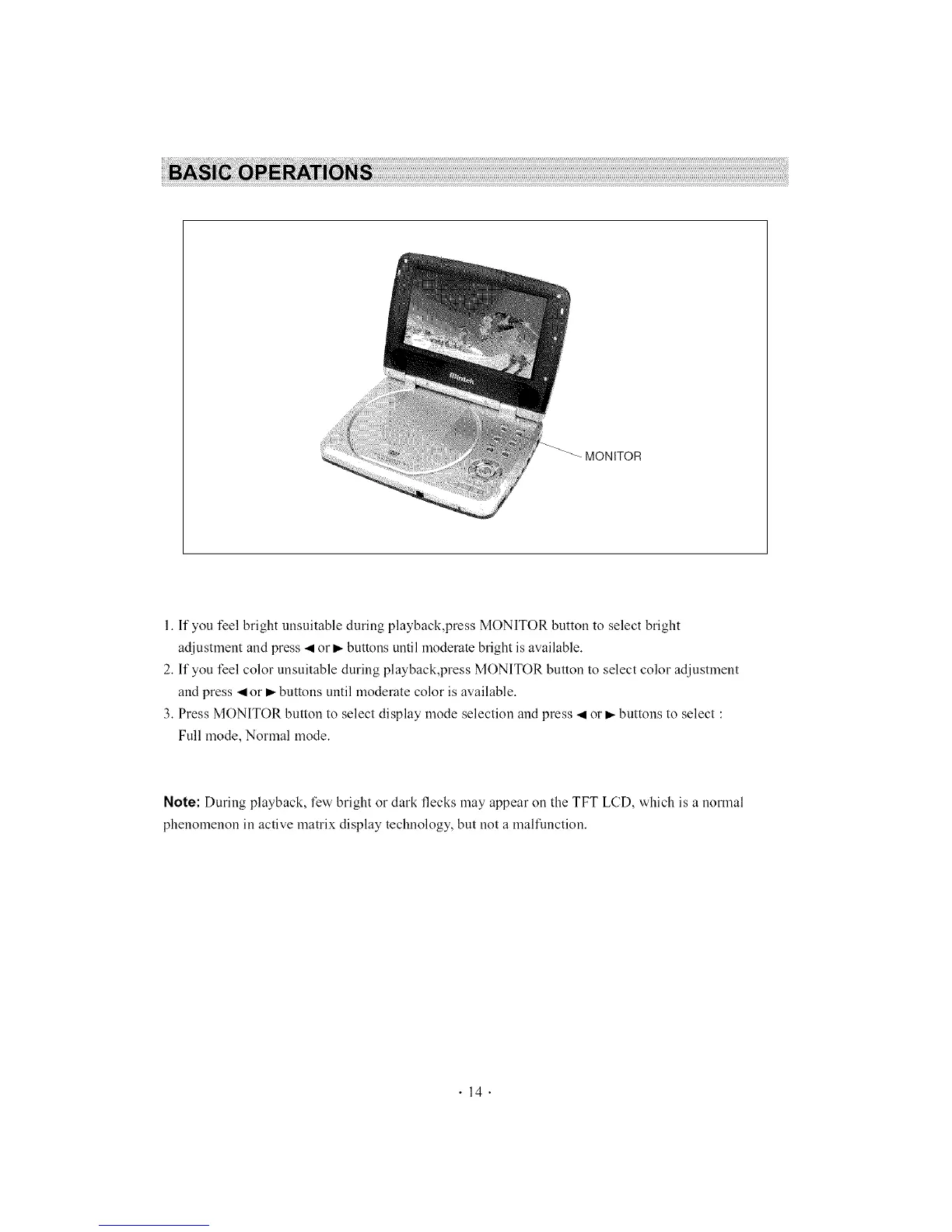
MONITOR
1. If you feel bright unsuitable during playback,press MONITOR button to select bright
adjustment and press ._ or _- buttons until moderate bright is available.
2. If you feel color unsuitable during playback,press MONITOR button to select color adjustment
and press _ or _- buttons until moderate color is available.
3. Press MONITOR button to select display mode selection and press .,qor _,-buttons to select :
Full mode, Normal mode.
Note: During playback, few bright or dark flecks may appear on the TFT LCD, which is a normal
phenomenon in active matrix display technology, but not a malfunction.
.14.



 To Next Page