REPEAT PLAY
This function can be used to repeatedly play a
title, chapter, track, disc, or some part oll a disc.
• DVD
You may repeat a title or chapter.
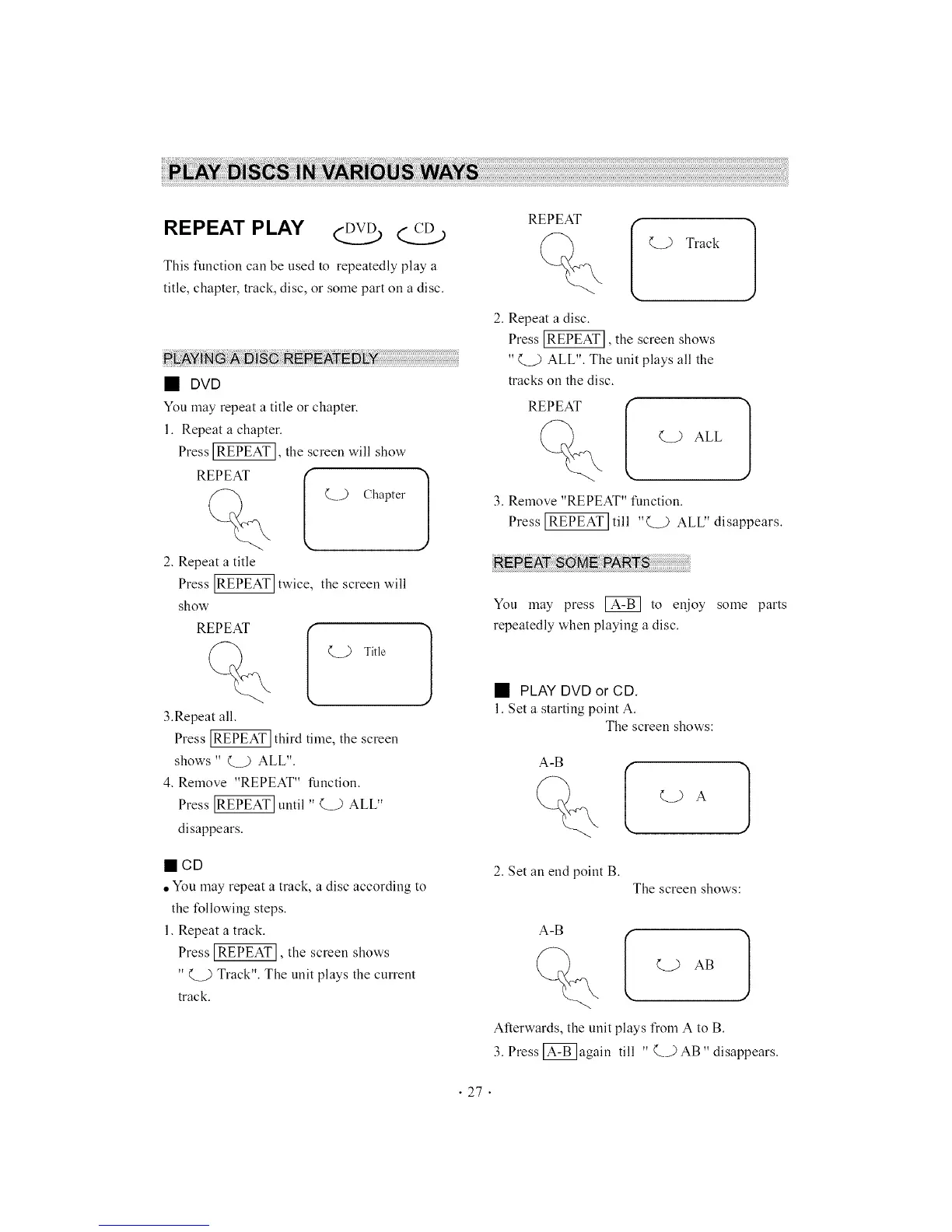
1. Repeat a chapter.
Press [REPEAT], the screen will show
REPEAT
(._..) Chapter
2. Repeat a title
Press _ twice, the screen will
show
REPEAT
3.Repeat all.
(
Q_ Title
Press IREPEAT] third time, the
screen
shows " Q_) ALL".
4. Remove "REPEAT" function.
Press _ until " Q_.) ALL"
disappears.
)
mCD
• You may repeat a track, a disc according to
the following steps.
1. Repeat a track.
Press IREPEATI, the screen shows
" Q_.) Track". The unit plays the current
track.
REPEAT
I Wkl
2. Repeat a disc.
Press _, the screen shows
" Q_..) ALL". The unit plays all the
tracks on the disc.
REPEAT
%
Q.) ALL
3. Remove "REPEAT" function.
Press [REPEAT] till "(__) ALL" disappears.
6: PA:R
You may press @ to enjoy some parts
repeatedly when playing a disc.
• PLAY DVD or CD,
1. Set a starting point A.
The screen shows:
2. Set an end point B.
The screen shows:
A-B
Afterwards, the unit plays from A to B.
3. Press @again till " Q,) AB" disappears.
• 27.



 To Next Page