SELECT SUBTITLES
This operation works only with discs on
which multiple subtitle language are recorded.
[ ]
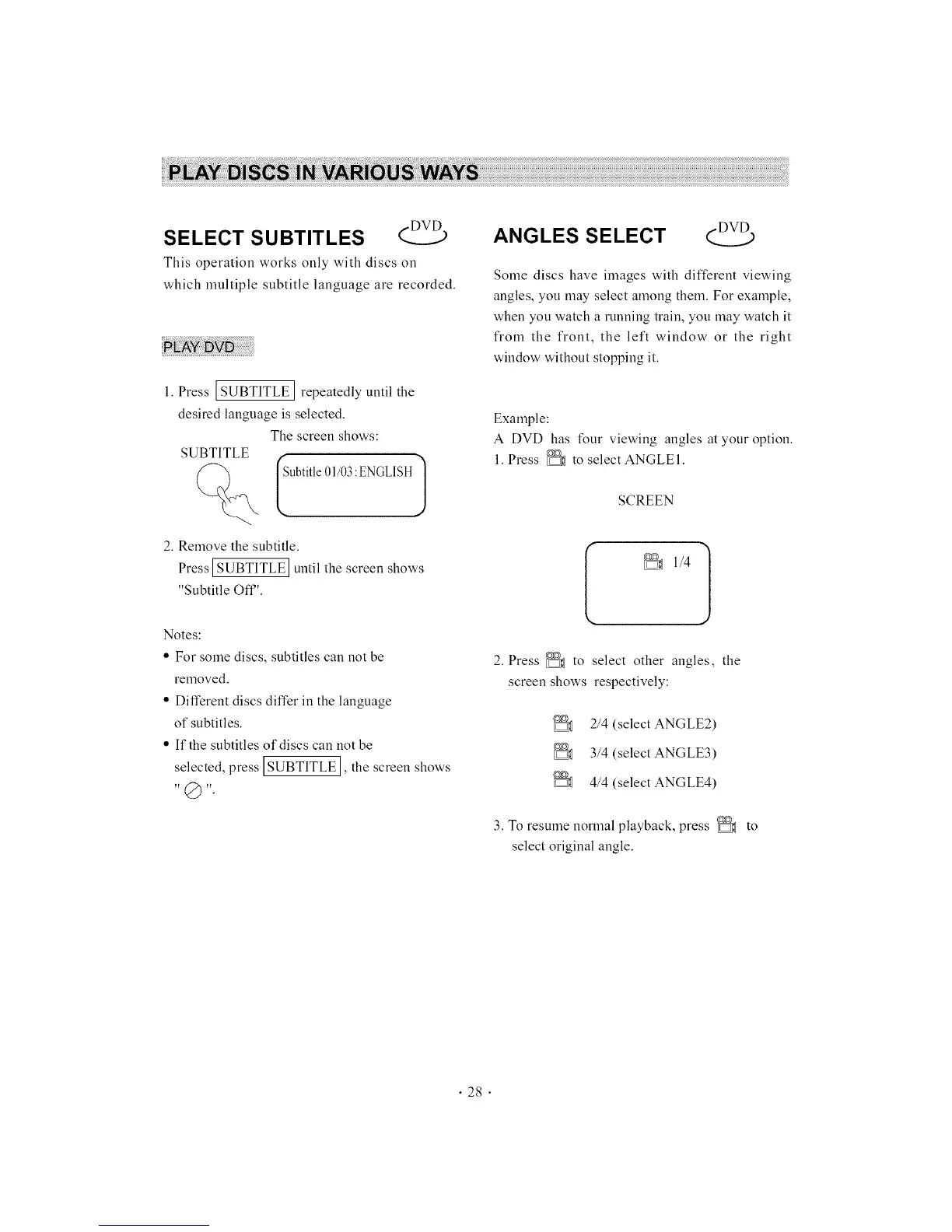
1. Press [SUBTITLE ] repeatedly until the
desired language is selected.
The screen shows:
SUBTITLE r
[ Subtitle01/03:ENGLISH1
2. Remove the subtitle.
Press ISUBTITLE Iuntil the screen shows
"Subtitle Off".
Notes:
• For some discs, subtitles can not be
removed.
• Different discs differ in the language
of subtitles.
• If the subtitles of discs can not be
selected, press ISUBTITLE I, the screen shows
ANGLES SELECT
Some discs have images with different viewing
angles, you may select among them. For example,
when you watch a running train, you may watch it
from the front, the left window or the right
window without stopping it.
Example:
A DVD has four viewing angles at your option.
1. Press _ to select ANGLEI.
SCREEN
2. Press _ to select other angles, the
screen shows respectively:
2/4 (select ANGLE2)
3/4 (select ANGLE3)
4/4 (select ANGLE4)
3. To resume normal playback, press _ to
select original angle.
• 28 •



 To Next Page