MENU SETTING
According to the recorded information and
external equipment,set the following functions
for the player to obtain the best playing status.
l.Press
to set the main menu.
SETUP
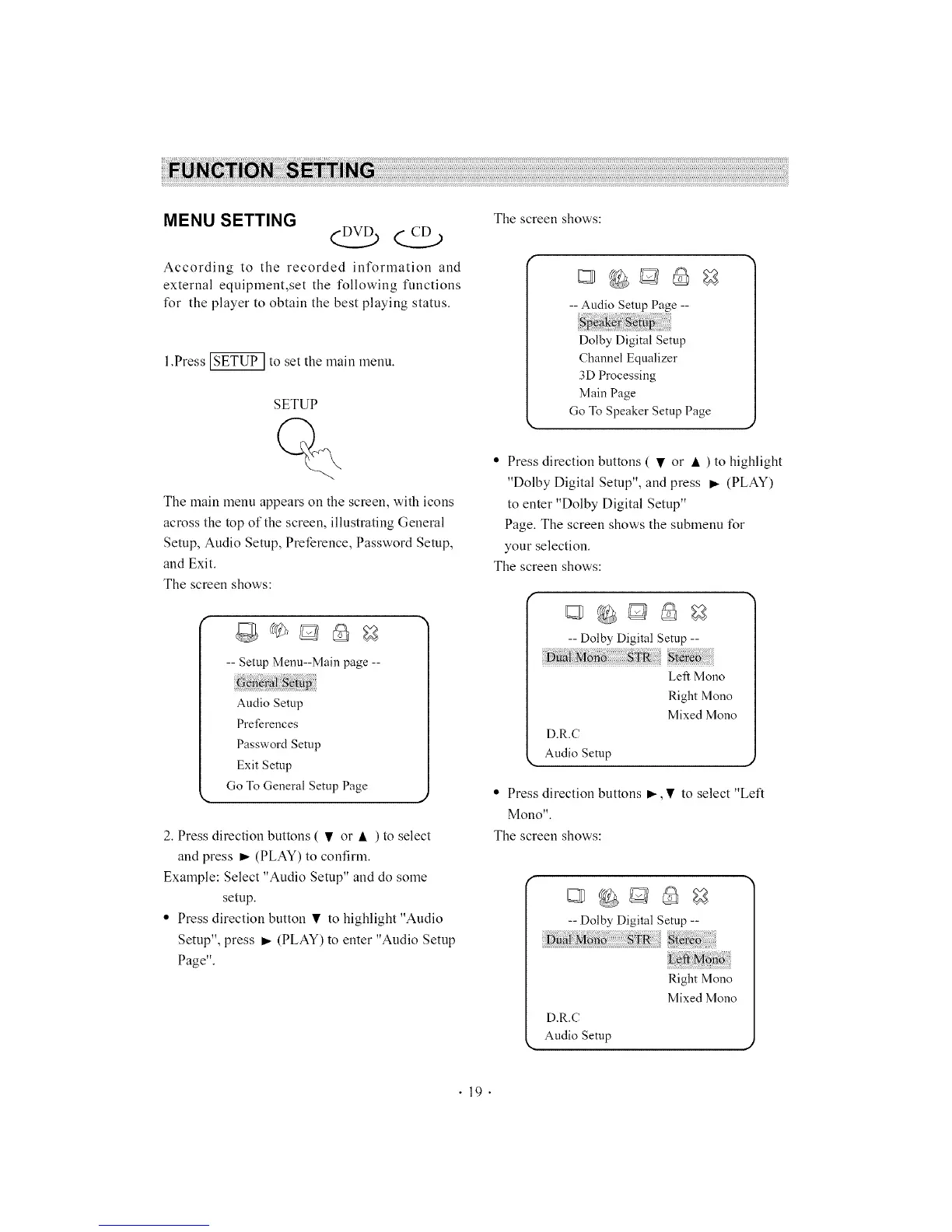
The main menu appears on the screen, with icons
across the top of the screen, illustrating General
Setup, Audio Setup, Preference, Password Setup,
and Exit.
The screen shows:
-- Setup Menu--Main page --
Audio Setup
Preferences
Password Setup
Exit Setup
Go To General Setup Page
2. Press direction buttons ( • or • ) to select
and press _ (PLAY) to confirm.
Example: Select "Audio Setup" and do some
setup.
• Press direction button • to highlight "Audio
Setup", press m,.(PLAY) to enter "Audio Setup
Page".
The screen shows:
-- Audio Setup Page --
Dolby Digital Setup
Channel Equalizer
3D Processing
Main Page
Go To Speaker Setup Page
• Press direction buttons ( • or • ) to highlight
"Dolby Digital Setup", and press _- (PLAY)
to enter "Dolby Digital Setup"
Page. The screen shows the submenu for
your selection.
The screen shows:
-- Dolby Digital Setup --
Left Mono
Right Mono
Mixed Mono
D.R.C
Audio Setup
• Press direction buttons _-,• to select "Left
mono".
The screen shows:
f
-- Dolby Digital Setup --
re
ftMno
Right Mono
Mixed Mono
D.R.C
Audio Setup
"19"



 To Next Page