• Press _- (PLAY) to confirm your selection, Set
"Dual Mono" in "Dolby Digital Setup" to "Left
Mono".
The screen shows:
f
-- Dolby Digital Setup --
Stereo
ftMo
Right Mono
Mixed Mono
D.R.C
Audio Setup
3. Exit setup menu.
• Press the direction button _ to exit from "Dual
Mono".
• Press the direction button _ to exit l¥om
"Dolby Digital Setup".
• Press the direction button • to highlight "Main
Page" and press _,- (PLAY). The screen shows:
SetupPage - - Main Page
General Setup
Preferences
Password Setup
Exit Setup
Go To Audio Setup Page
• Press the direction button • to highlight "Exit
Setup" and press _ (PLAY) to exit setup menu
completely.
NOTE:You can also keep pressing the direction
button _ until the cursor is moved to
the last icon illustrating Exit, then press
the _- (PLAY) button to exit setup menu
completely.
iiiiiiiiiiiiiiiiiiiiiiiii i ii iiiiiiiiiiiiiiiiiiiiiiiil¸III
The setting structure is as follows:
- - General Setup Page - -
TV Display Wide
SPD1F RAW
Captions On
Screen Saver On
Main Page
NormaliPS
NormaliLB
Wide
Off
SPD1F/RAW
SPD1FiPCM
On
Off
On
Off
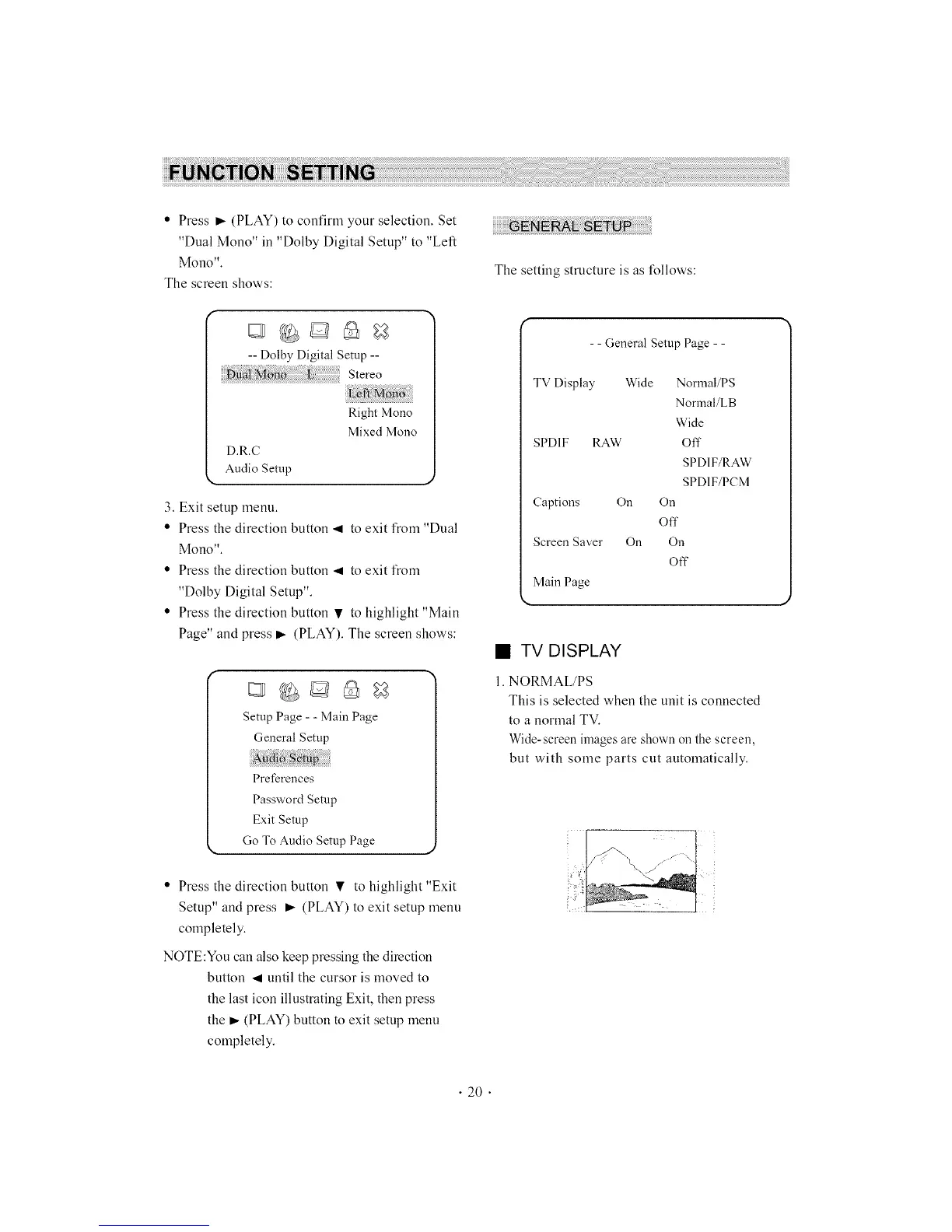
• TV DISPLAY
1. NORMAL/PS
This is selected when the unit is connected
to a normal TV.
Wide-screen imagesare shown on the screen,
but with some parts cut automatically.
• 20 •



 To Next Page