AUDIO MODE _ ___
• You may select a needed language from a
multi-language DVD.
• You may select the right channel or left
channel or stereo from a multi-channel CD.
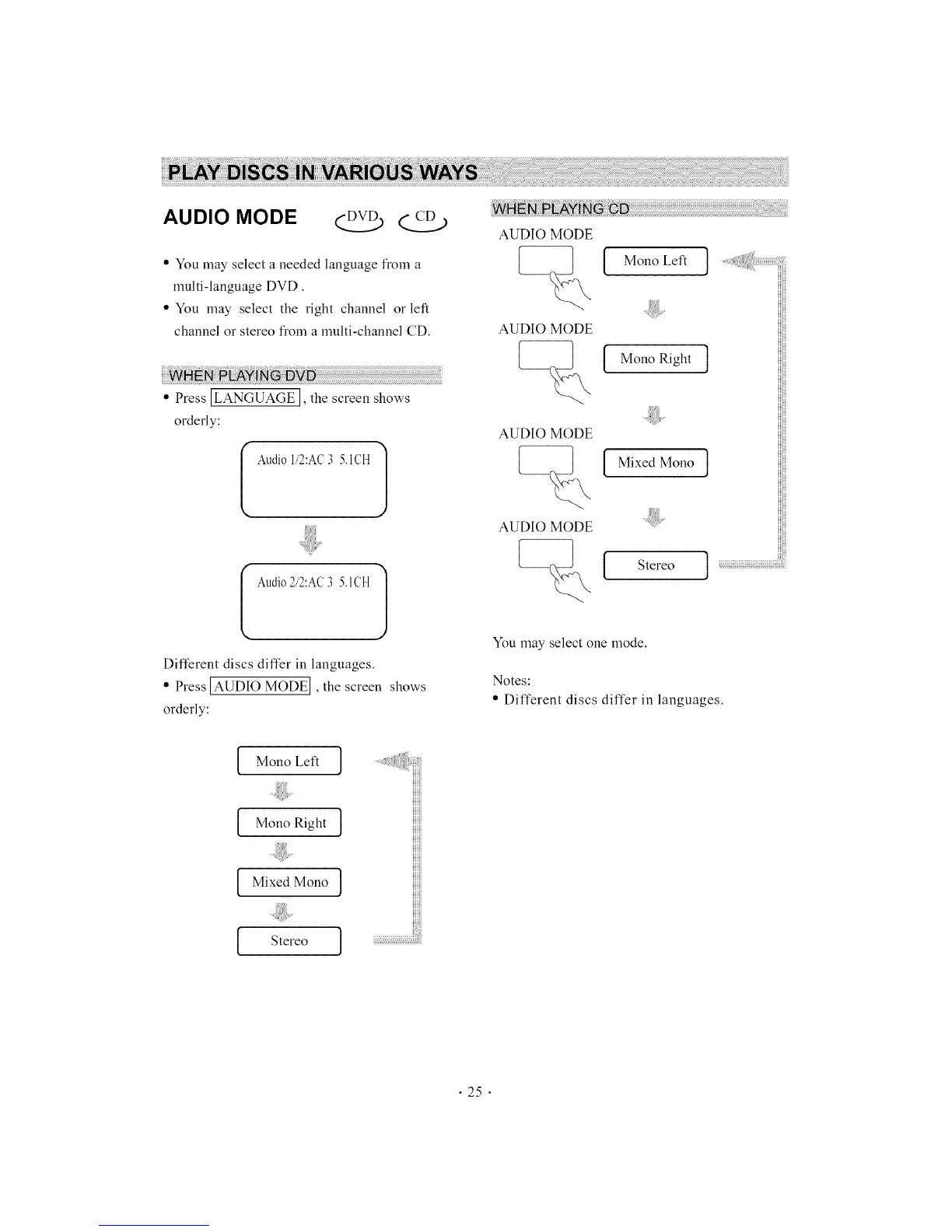
• Press ]LANGUAGE], the screen shows
orderly:
I Audio1,2:AC3 5.1CH
I Audio2,2:AC3 5.1CH
Different discs differ in languages.
• Press [AUDIO MODE I, the screen shows
orderly:
AUDIO MODE
AUDIO MODE
AUDIO MODE
AUDIO MODE
[ MonoLefl ]
MonoRight ]
Mixed Mono ]
Stereo ]
You nray select one nrode.
Notes:
• Different discs differ in languages.
Mono Left ]
Mono Right ]
Mixed Mono ]
Stereo ]
• 25 •



 To Next Page