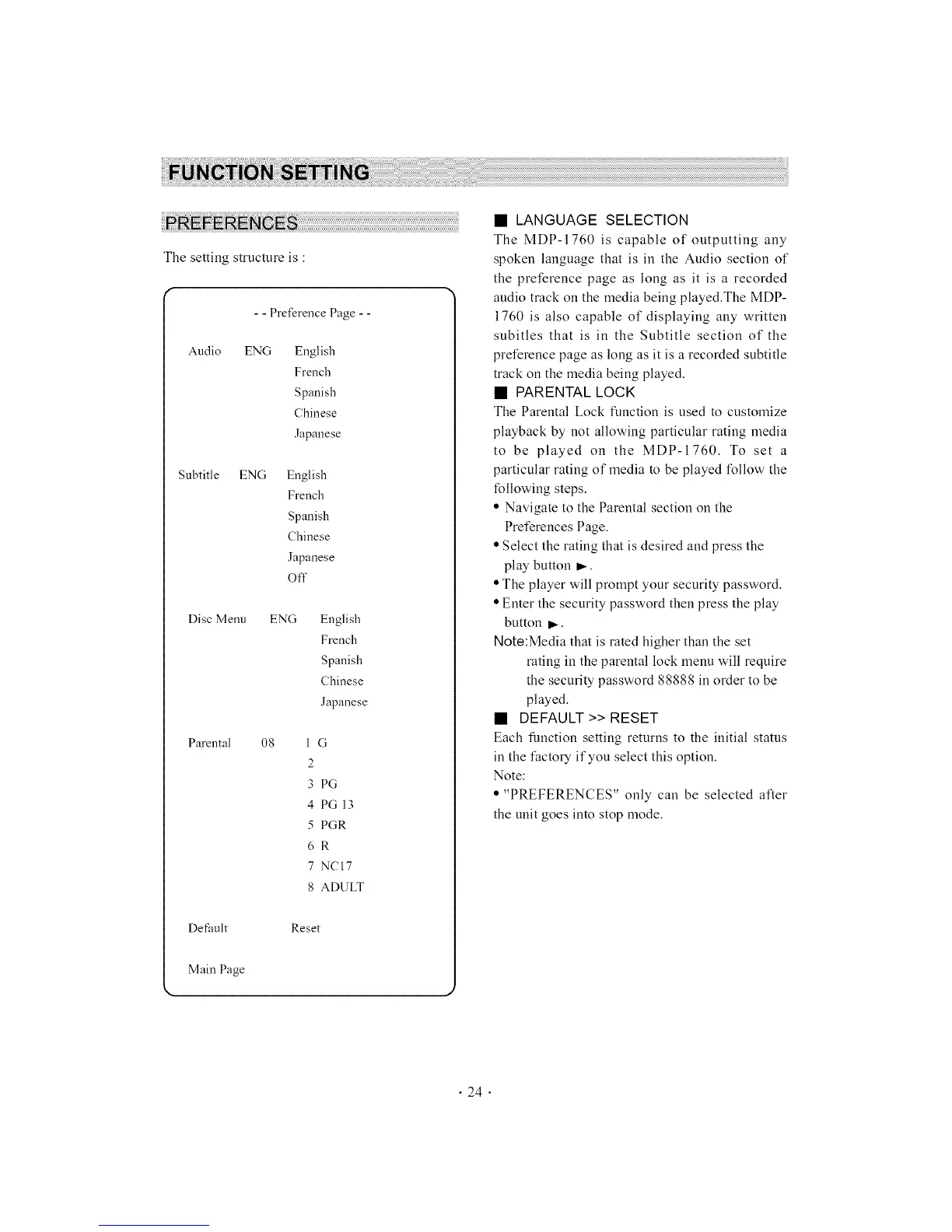
The setting structure is :
- - Preference Page - -
Audio ENG English
French
Spanish
Chinese
Japanese
Subtitle ENG English
French
Spanish
Chinese
Japanese
Off
Disc Menu ENG English
French
Spanish
Chinese
Japanese
Parental 08 1 G
2
3 PG
4 PG13
5 PGR
6R
7 NCI7
8 ADULT
Def.mlt Reset
Main Page
• LANGUAGE SELECTION
The MDP-1760 is capable of outputting any
spoken language that is in the Audio section of
the preference page as long as it is a recorded
audio track on the media being played.The MDP-
1760 is also capable of displaying any written
subitles that is in the Subtitle section of the
preference page as long as it is a recorded subtitle
track on the media being played.
• PARENTAL LOCK
The Parental Lock function is used to customize
playback by not allowing particular rating media
to be played on the MDP-1760. To set a
particular rating of media to be played Ibllow the
following steps.
• Navigate to the Parental section on the
Preferences Page.
• Select the rating that is desired and press the
play button _.
• The player will prompt your security password.
• Enter the security password then press the play
button _.
Note:Media that is rated higher than the set
rating in the parental lock menu will require
the security password 88888 in order to be
played.
• DEFAULT >> RESET
Each function setting returns to the initial status
in the I:actoW if you select this option.
Note:
• "PREFERENCES" only can be selected alter
the unit goes into stop mode.
• 24 •



 To Next Page