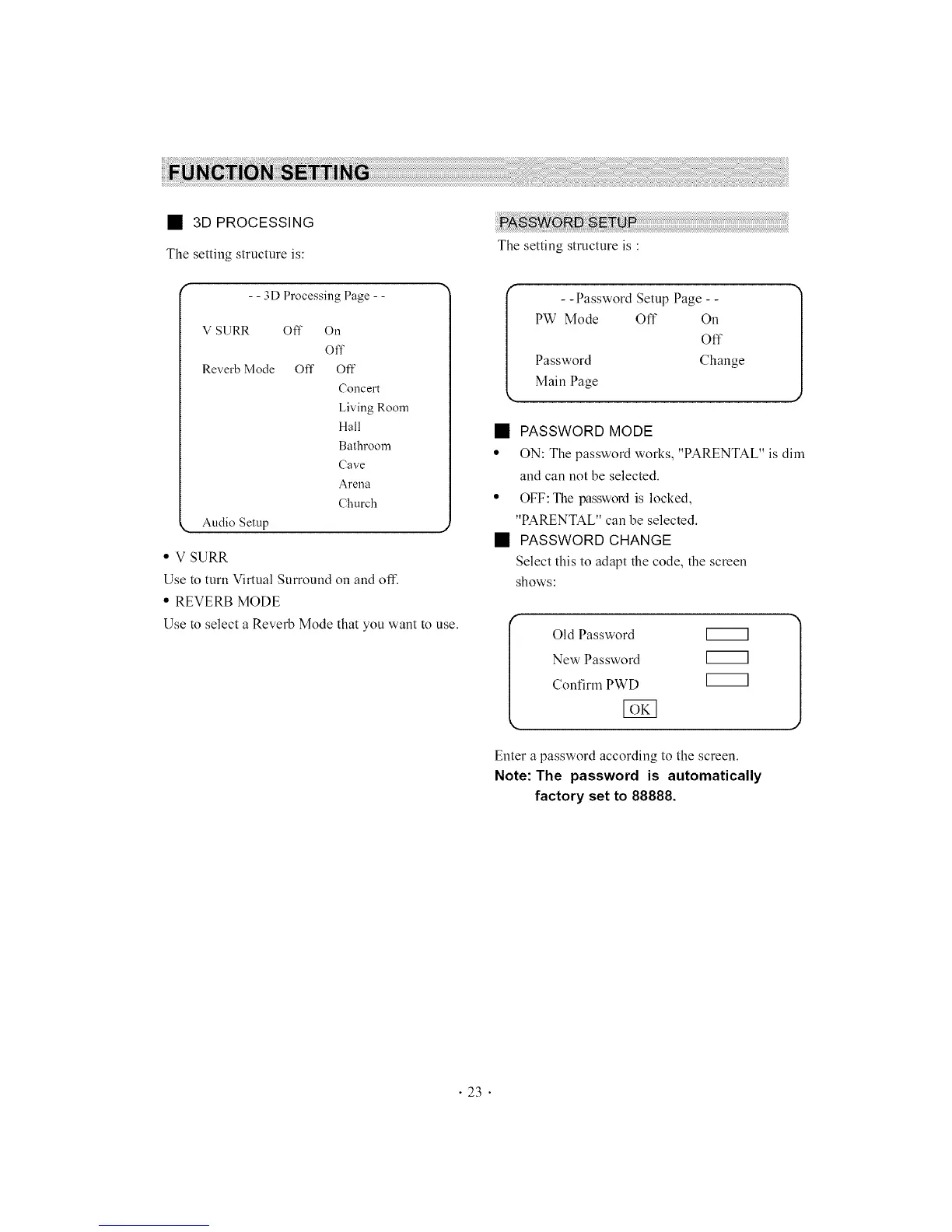
• 3D PROCESSING
The setting structure is:
- - 3D Processing Page - -
V SURR Off On
Off
Reverb Mode Off Off
Concert
Living Room
Hall
Bathroom
Cave
Arena
Church
• Audio Setup ,,
• V SURR
Use to turn Virtual Surround on and off.
• REVERB MODE
Use to select a Reverb Mode that you want to use.
The setting structure is :
I - - Password Setup Page - - ]
J
PW Mode Off On
Off
Password Change
Main Page
• PASSWORD MODE
• ON: The password works, "PARENTAL" is dim
and can not be selected.
• OFF:The password is locked,
"PARENTAL" can be selected.
• PASSWORD CHANGE
Select this to adapt the code, the screen
shows:
I Old Password
New Password
Confirm PWD
Enter a password according to the screen.
Note: The password is automatically
factory set to 88888.
• 23 •



 To Next Page