• SPEAKER SETUP
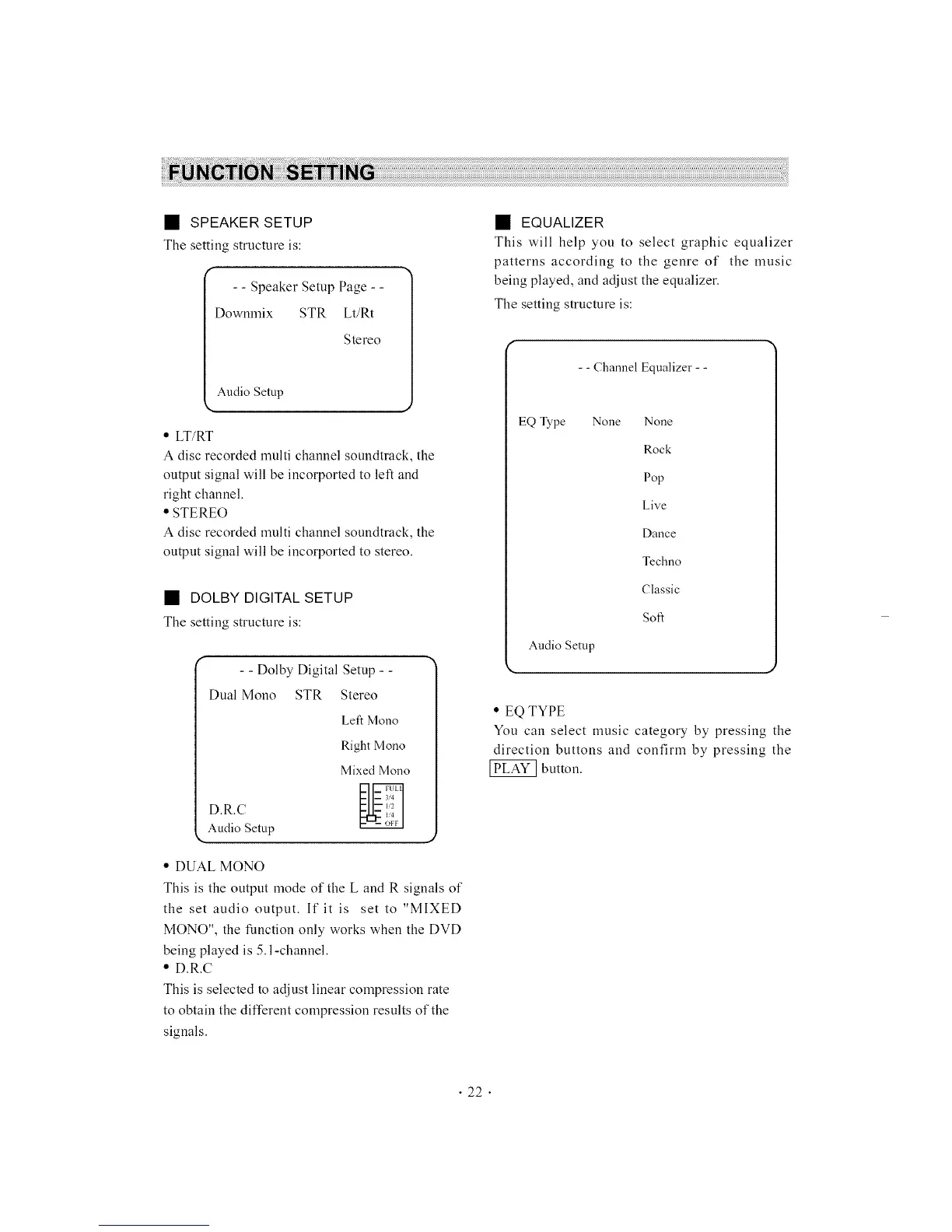
The setting structure is:
- - Speaker Setup Page - -
Downmix STR Lt/Rt
Stereo
Audio Setup
• LT/RT
A disc recorded multi channel soundtmck, the
output signal will be incorported to left and
right channel.
• STEREO
A disc recorded multi channel soundtmck, the
output signal will be incorported to stereo.
• DOLBY DIGITAL SETUP
The setting structure is:
- - Dolby Digital Setup - -
Dual Mono STR Stereo
Left Mono
Right Mono
Mixed Mono
D.R.C
Audio Setup
• DUAL MONO
This is the output mode of the L and R signals of
the set audio output. If it is set to "MIXED
MONO", the function only works when the DVD
being played is 5.l-channel.
• D.R.C
This is selected to adjust linear compression rate
to obtain the different compression results of the
signals.
• EQUALIZER
This will help you to select graphic equalizer
patterns according to the genre of the music
being played, and adjust the equalizer.
The setting structure is:
- - Channel Equalizer - -
EQ Type None
Audio Setup
None
Rock
Pop
Live
Dance
Techno
Classic
Soft
• EQ TYPE
You can select music category by pressing the
direction buttons and confirm by pressing the
button.
• 22 •



 To Next Page