SHUFFLE OR RANDOM PLAY
<2L,
The unit can play by random orders.
The order is different each time.
[ 1
1. Press [PLAY MODE] to select shuffle or
random play mode while a disc is playing.
PLAY MODE
%
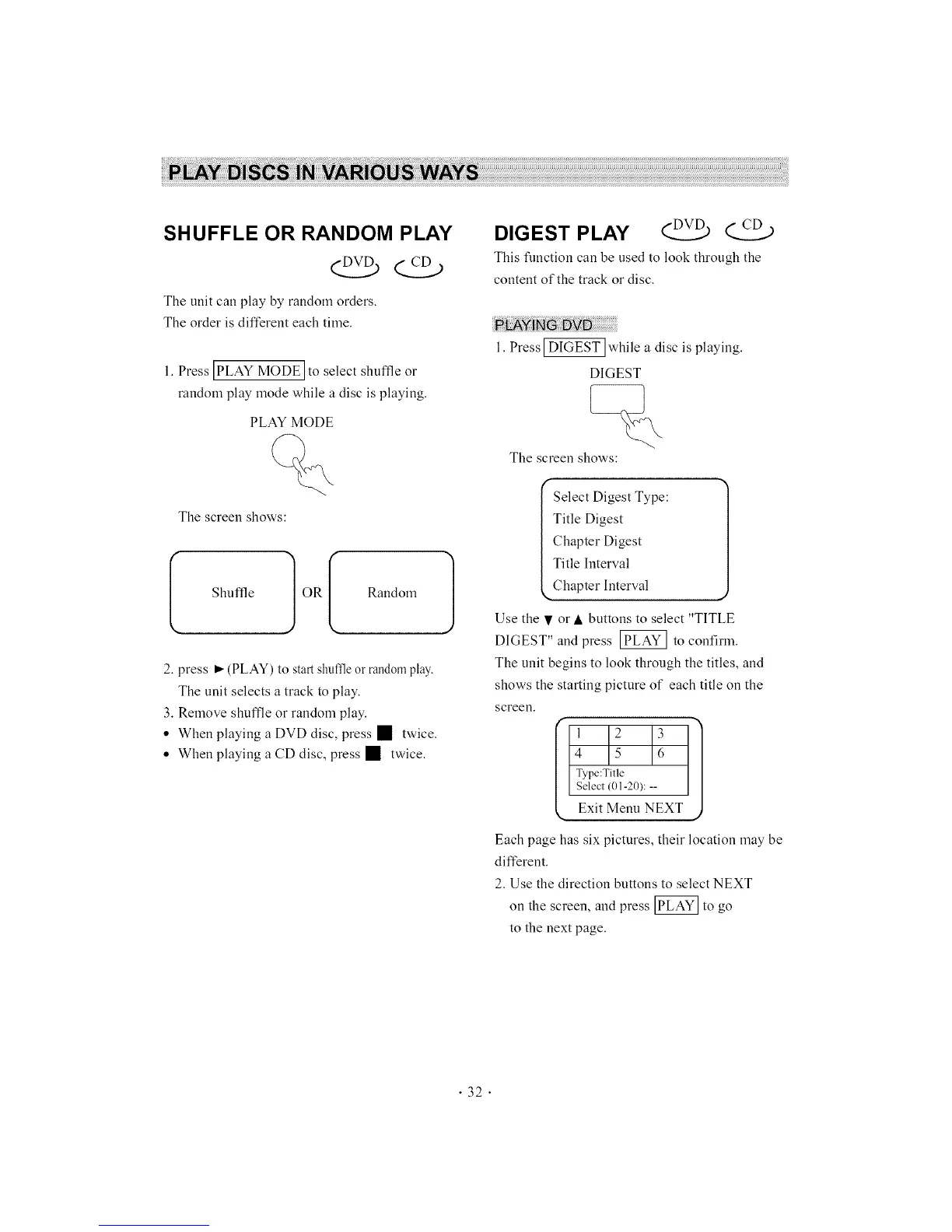
The screen shows:
(
Shuffle OR
I Random 1
2. press _ (PLAY) to start shuffleor randomplay-.
The unit selects a track to play.
3. Remove shuffle or random play.
• When playing a DVD disc, press • twice.
• When playing a CD disc, press • twice.
DIGEST PLAY _
This function can be used to look through the
content of the track or disc.
1. Press _ while a disc is playing.
DIGEST
The screen shows:
Select Digest Type:
Title Digest
Chapter Digest
Title Interval
,. Chapter Interval ._
Use the • or • buttons to select "TITLE
DIGEST" and press _ to confirm.
The unit begins to look through the titles, and
shows the starting picture of each title on the
screen.
f
1 2 3
4 15 16
Type:Title
Se ect (0 -2 ): --
Exit Menu NEXT
Each page has six pictures, their location may be
different.
2. Use the direction buttons to select NEXT
on the screen, and press _ to go
to the next page.
"32"



 To Next Page