1.2 Performing the Initial Start Up
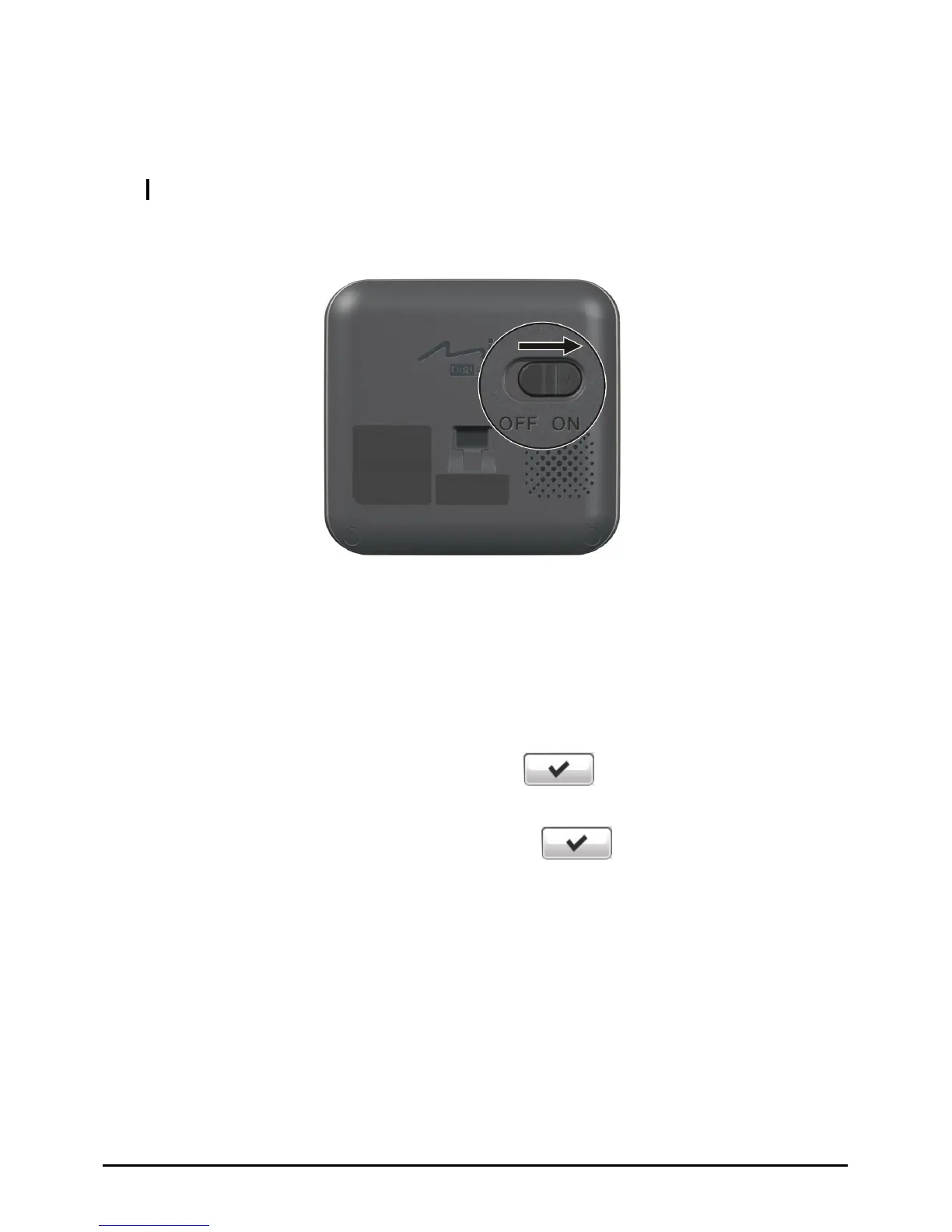
1 Slide the ON/OFF switch to the ON position.
CAUTION: Always leave the ON/OFF switch in the ON position for normal operation
2 Your device turns on.
3 Tap and hold the centre of the target. When the target moves to another
position, tap and hold the centre of the new target. Repeat each time to
complete the calibration process.
4 The “Change Language” screen appears. Tap the left/right arrow button to
select the desired language. Then, tap the
button.
5 The “Date&Time” screen appears. Tap the appropriate arrow button to select
the time zone, date, and time. Then, tap the
button.
6 MioMap program starts. You can now use your device.
8



 To Next Page