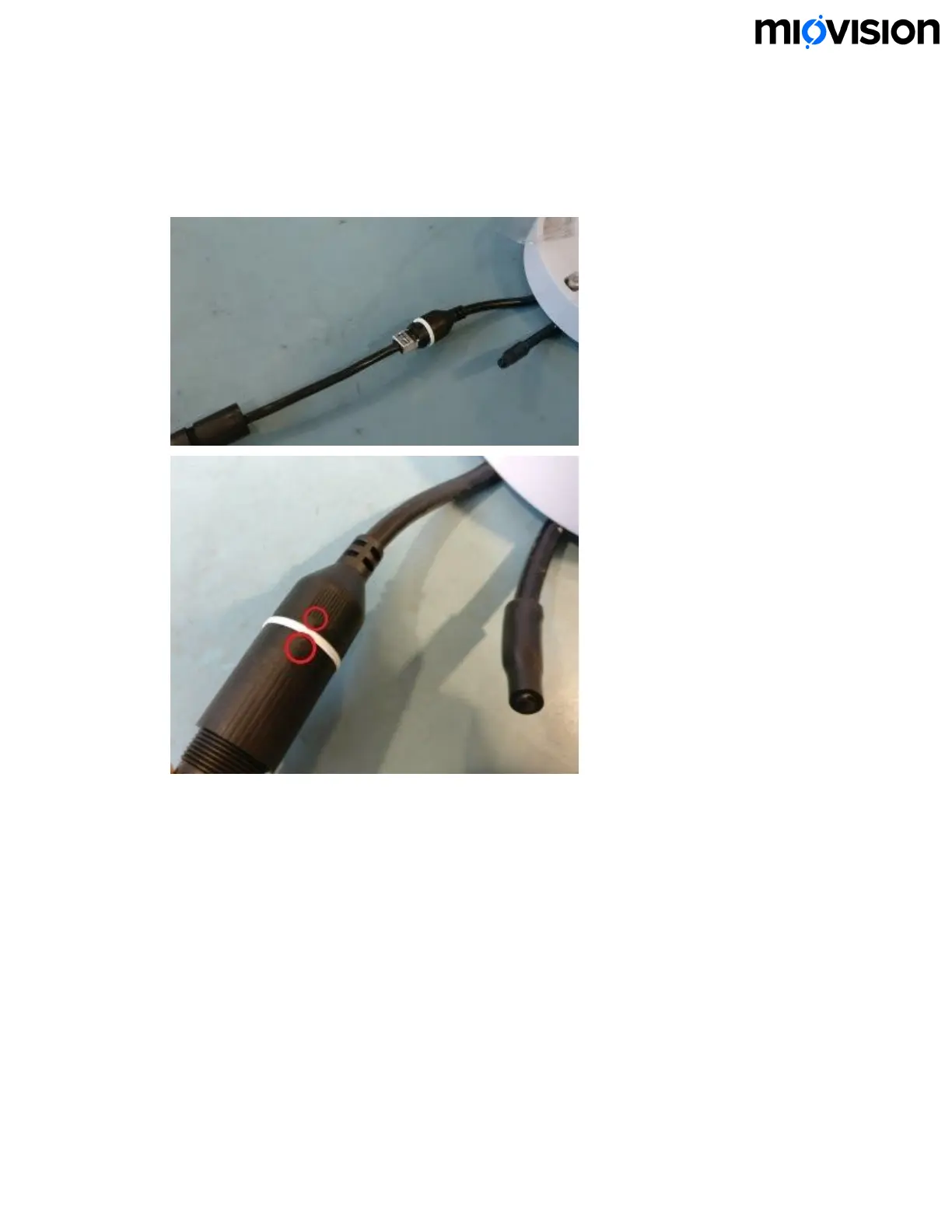
5. Connect the RJ45 connector into the coupler on the camera module, connect the
coupler, and then rotate the coupler clockwise to lock. When the coupler is
properly locked, the arrows on coupler line up. Make sure that the coupler is kept
dry during installation.
6. Tighten the end cap and then wrap the coupler with silicone weatherproof tape.
Make sure to wrap the connection back and forth using an overlapping pattern.
6.11.19
16


 To Next Page