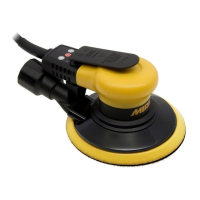
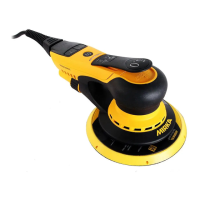
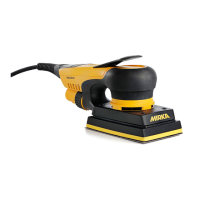
10
Reducing vibrations when sanding with padsaver or interface
When padsaver or interface is used for sanding the set-up may increases the level of vibrations. Your
MIRKA tool has a feature allowing you to reduce these vibrations. To reduce vibrations that may appear
when a padsaver or Interface is used please follow these steps:
1) Disconnect air supply / power cable.
2) Remove backing pad.
3) Add hex nuts and screws in accordance to the table below, tighten to 2 Nm.
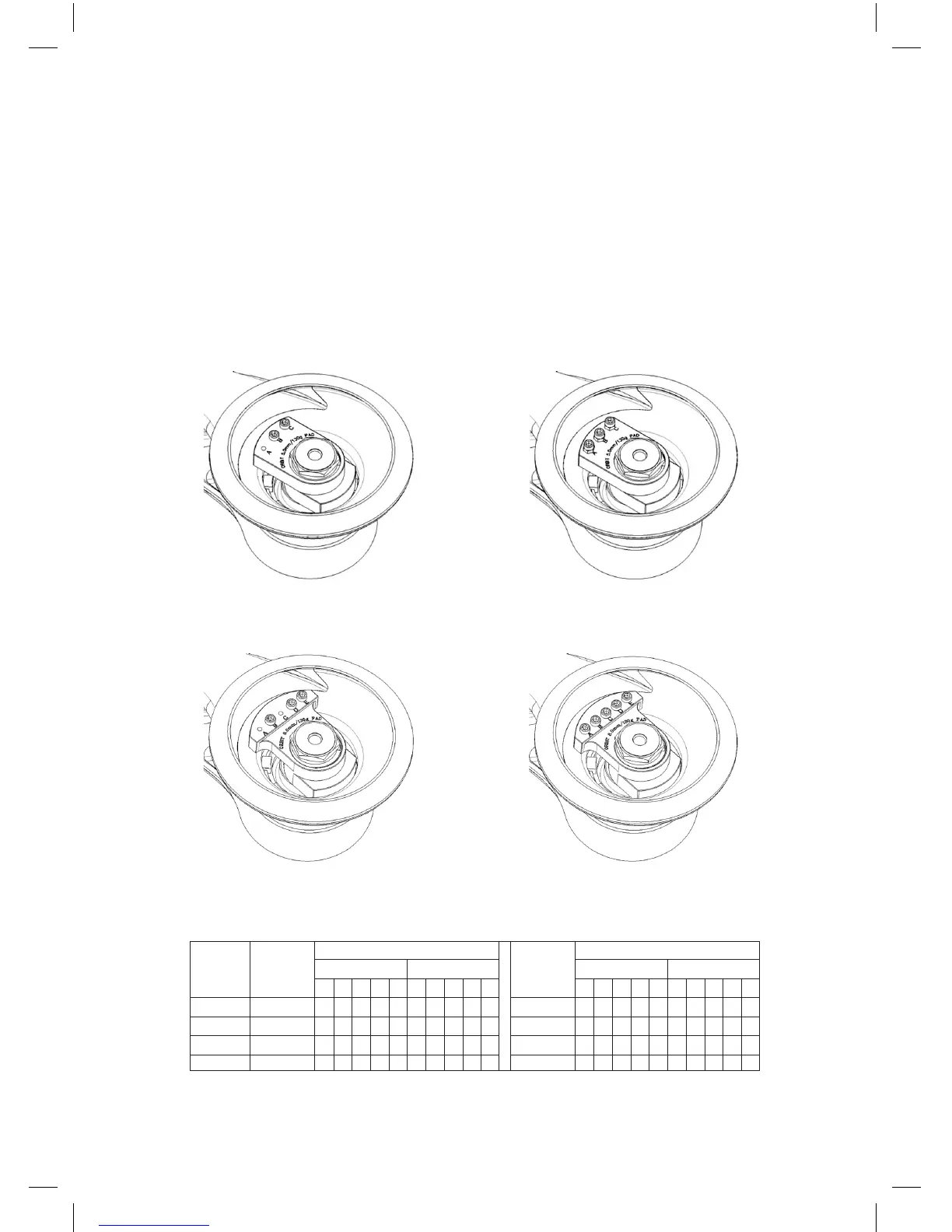
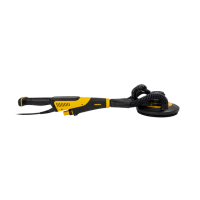
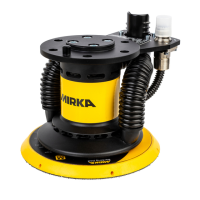
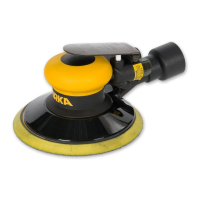
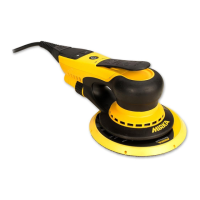
Example Pictures
1. Machine conguration out of box. 2. Machine conguration for use with
padsaver or interface.
3. Machine conguration out of box. 4. Machine conguration for use with
padsaver or interface.
Model
550
625
650
680
1
1
1
3
A
-
-
-
-
A
-
-
-
-
B
X
X
X
X
B
-
-
-
-
C
X
X
X
-
C
-
-
-
-
D
-
-
-
X
D
-
-
-
-
E
-
-
-
X
E
-
-
-
-
Picture Set-up out of box
Screw Hex nut
2
2
2
4
A
X
-
X
X
A
X
-
X
-
B
X
X
X
X
B
X
X
X
-
C
X
X
X
X
C
X
X
X
-
D
-
-
-
X
D
-
-
-
-
E
-
-
-
X
E
-
-
-
-
Picture Set-up for padsaver / interface
Screw Hex nut



 To Next Page