24
Moving Around and Making Selections
In general, you use the arrow keys to highlight items and the [PageUp]/[+] and
[PageDown]/[−] keys to change entries.
Description of keyboard usage is listed below. You can also find keyboard
instructions on the menu screen.
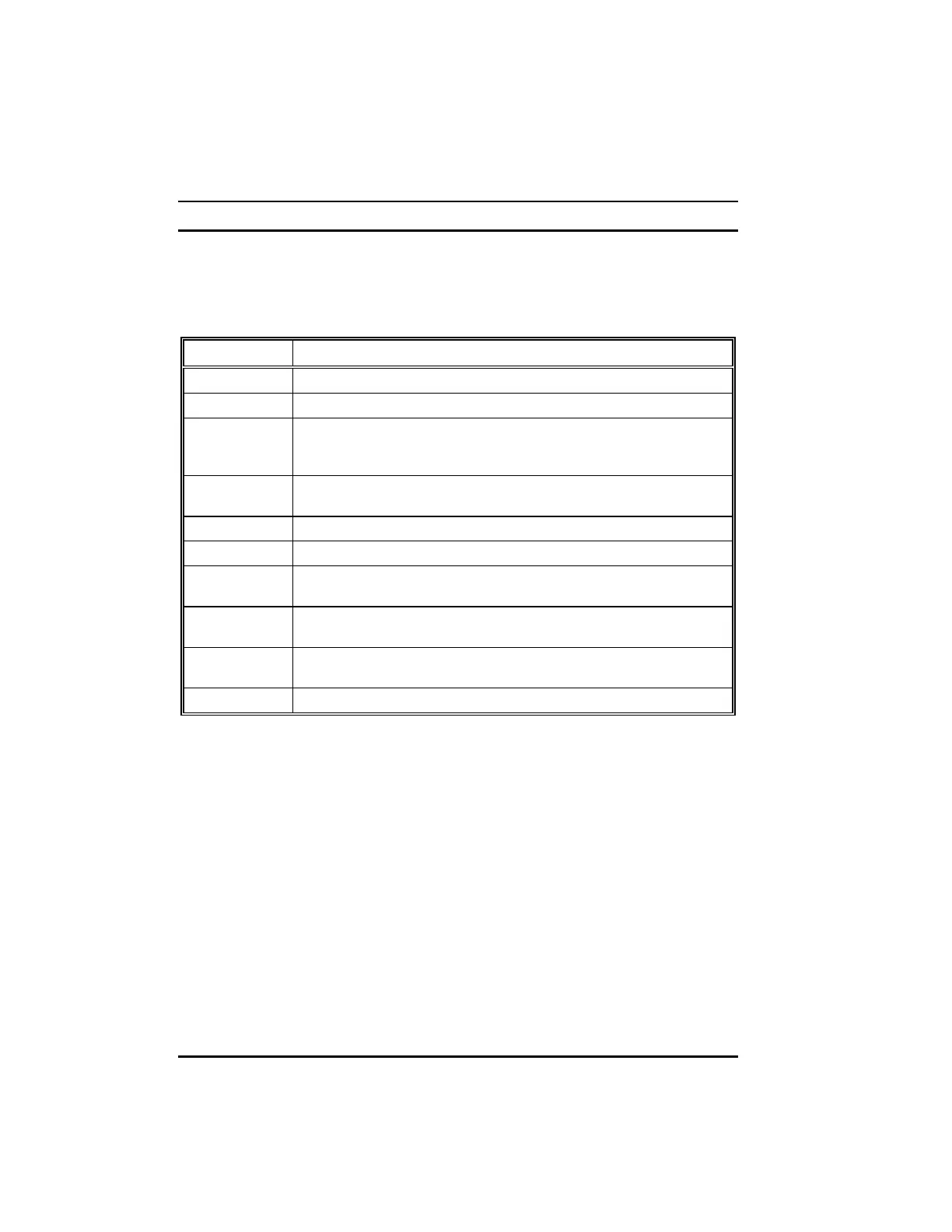
Key Description
[
!
], [
"
] Move the highlight to the previous or next item.
[
#
], [
$
] Move the highlight to the item in the left or right.
[PageUp]/[+]
[PageDown]/[
−
]
Cycle through the pre-defined values for the selected item.
Pressing [PageUp] or [+] brings up the next value; pressing
[PageDown] or [
−
] brings up the previous one.
[Esc] 1) From the Main Menu, exit SETUP without saving.
2) From a sub-menu, return to the Main Menu.
[F1] General help information
[F2] Item help information
[F5] Restore the previous CMOS value from CMOS (available only in
option setup menus)
[F6] Load the basic default values (available only in option setup
menus).
[F7] Load the optimal default values (available only in option setup
menus).
[F10] Save all the CMOS changes (available only in the main menu).
Table 5-1. Keyboard Usage in the SETUP Program



 To Next Page