Mitel IP Phone Reference Guide
26 Using Phones
Configure Handset from the Handset Display Menu
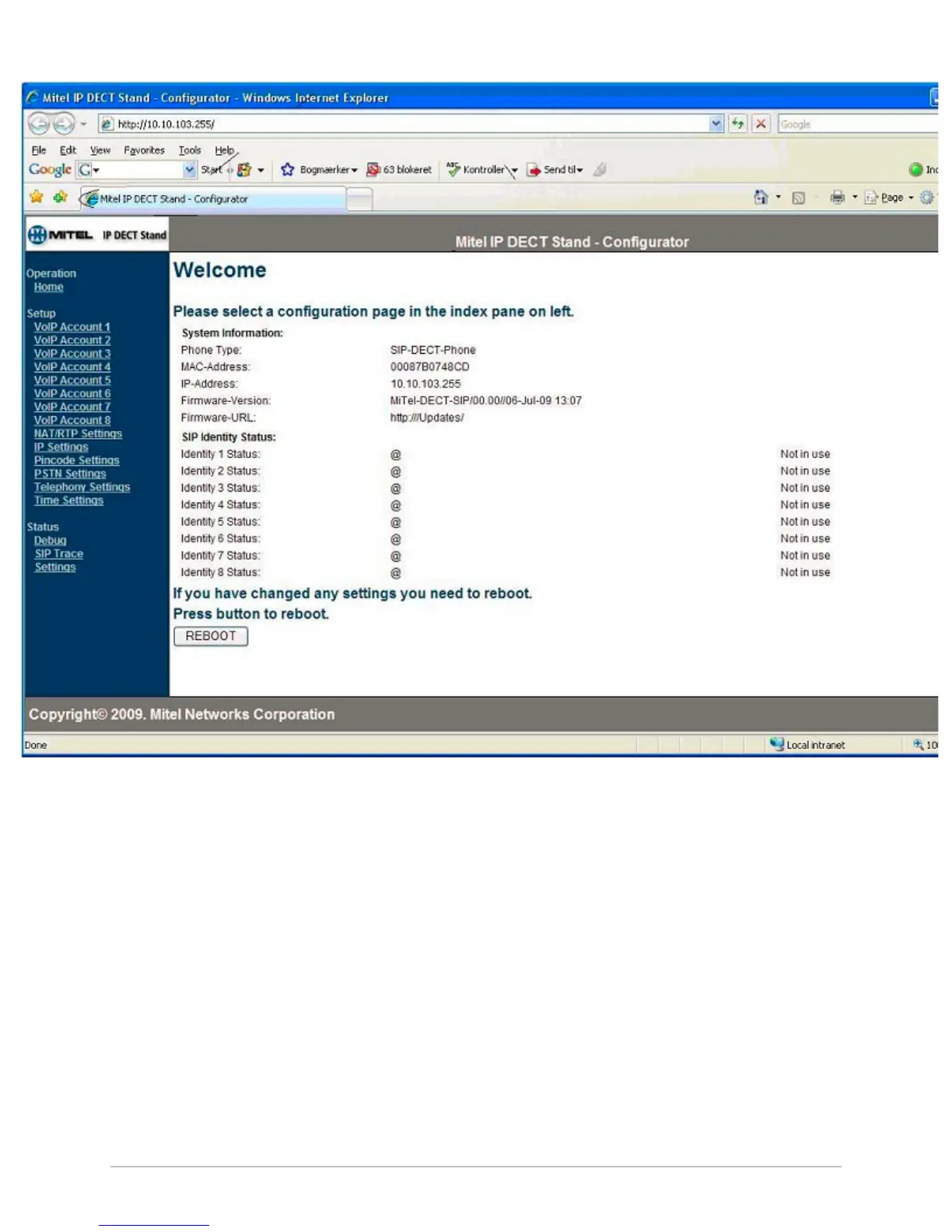
We recommend that you configure the handsets using the web configurator interface,
since there are certain parameters that are only available there. However, you can
perform the minimum configuration of individual handsets from the handset’s display
menu as follows:
1. From idle mode, press the OK key, select Settings, and then press OK.
2. Choose Handset ID and pressOK.
3. Record the IPEI for the handset:
____________________________
4. Press Back.
5. Select System settings and press OK.
6. When prompted for a PIN, enter the PIN (default 0000), and then press OK.
7. Select Handset settings and press OK.
8. Select Handset name and press OK.



 To Next Page