Using Phone Features 37
Using Phone Features
This section explains the features available from your phone. Some of these features
must be pre-programmed in order to be available. To learn how to program features to
keys see Program Memory Keys.
Note that some feature use softkeys, which are only available on
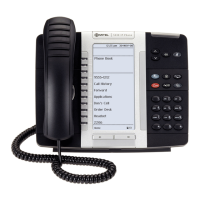
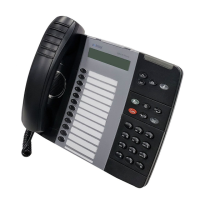
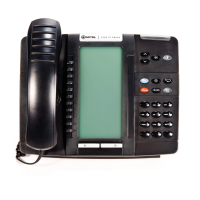
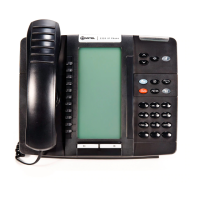
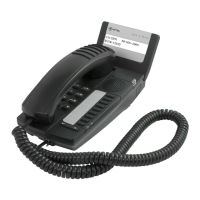
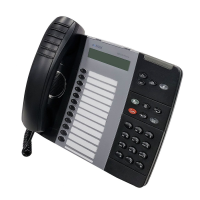
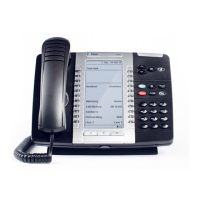
5320-5320GigE/5330-5330GigE/5340-5340GigE/5360 and 5224/5324 phones. For
5212/5312 and 5304 phones, alternative instructions are provided. Softkeys are denoted
by UPPERCASE, for example DIRECTORY.


 To Next Page