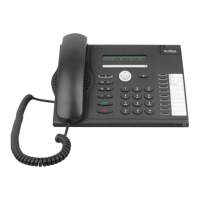
Mitel IP Phone Reference Guide
36 Using Phones
3. If you place an internal call, the LCD shows the extension and name of the
connected party once the call is answered. If you place an external call, the LCD
shows the name of the connected party, or if the name is unknown, just the phone
number.
4. To switch between two active calls, press the flashing Line Appearance. This puts
the active call on hold, and activates the other call.
Ending one call keeps the second call on hold. To reconnect to the second call, press
the flashing Line Appearance.


 To Next Page