Mitel 5613 Quick Reference Card
M Mitel (design) is a registered trademark of Mitel Networks Corporation. All other products and services are the trademarks of their respective holders.
© 2017, Mitel Networks Corporation. All rights reserved.
• Press the Handsfree key before or during a call.
To turn ring signal on/off in standby mode:
• Press to toggle ring signal on/off. (The silenced icon appears.)
Locking/Unlocking the Keypad
• Press and then Lock to lock.
• Select and then Yes to unlock.
Charging the Battery
Place the telephone in the desktop charger. The Battery icon indicates charge level. The phone is fully
functional while in the charger.
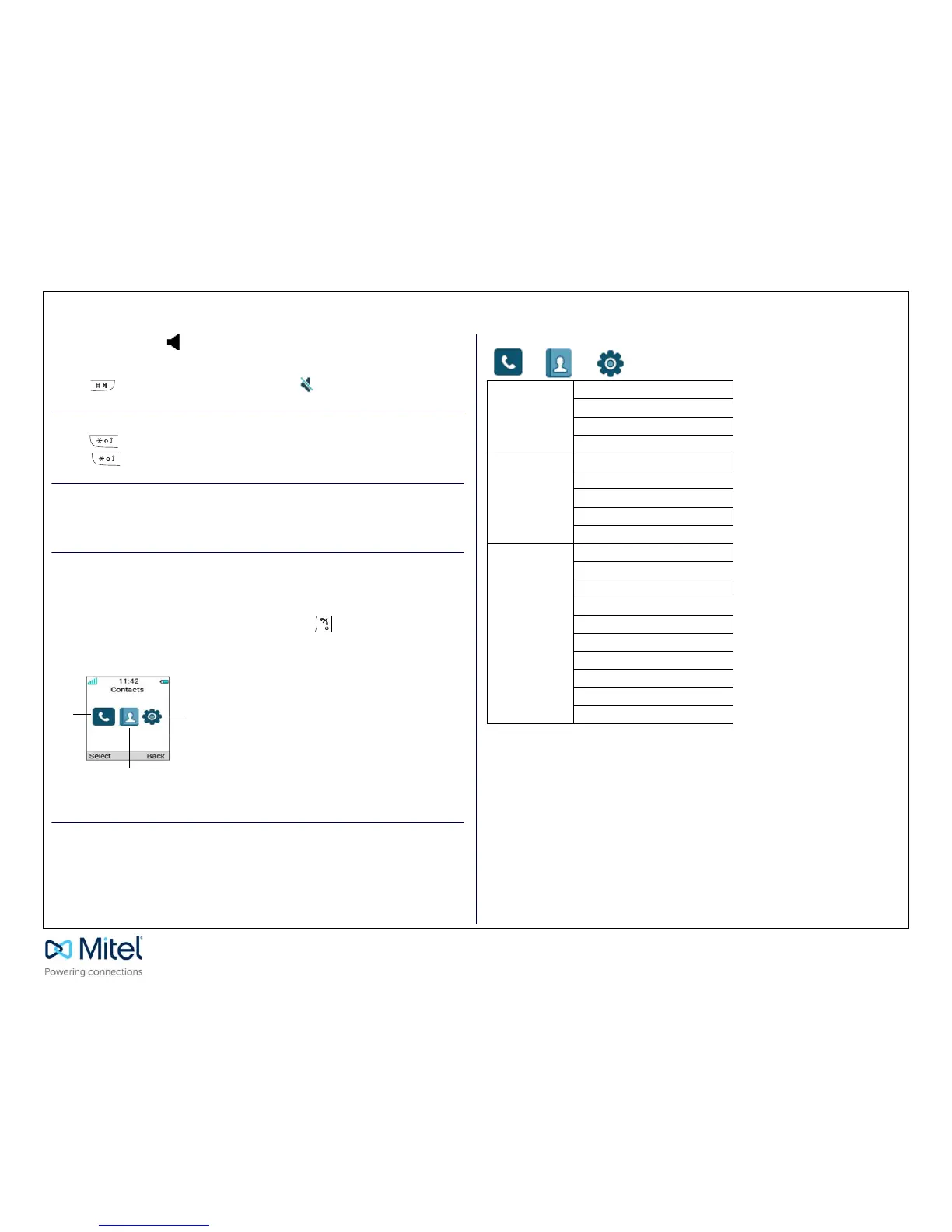
Navigating the Menu
Enter the menu by pressing the Menu key. Use the Left/Right navigation keys to choose a tab, and then
press the Select sofkey to open it. Use the Up/Down navigation keys to scroll through menu choices.
Press Select to make a selection or press the Back key to go back one step. Confirm your settings by
pressing Select. Return to standby mode by pressing Back or the key.
On hook/ Standby Menu
Menu Structure



 To Previous Page