15
Mitel 612d, 622d, 632d and 650c
Mitel 612d, 622d, 632d and 650c Quick Reference Guide
Bluetooth (Mitel 622d, 632d, 650c)
Subscribe headset: Switch the bluetooth headset to
“Pairing mode” (see user’s manual
for the bluetooth headset)
Press softkey and select
Settings - Bluetooth- BT Status
Press Change to switch bluetooth
on
Select Subscribe headset
Press New to register a new
Bluetooth headset.
The handset searches for BT devices
for approx 30 sec.
Confirm the found headset with OK
and enter PIN of the headset.
Status: Press select Settings-
Bluetooth-BT Status
Press Change to switch Bluetooth
on or off
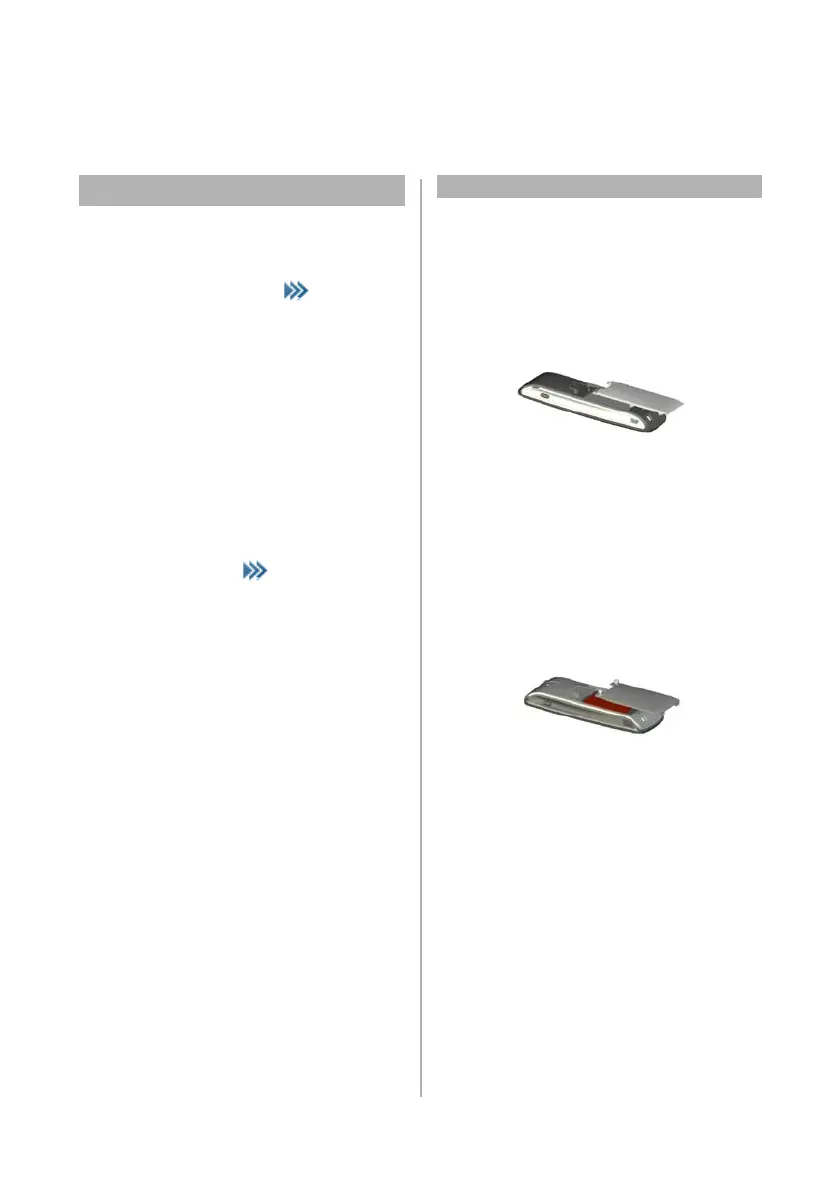
Inserting standard battery
Mitel 612d, 622d, 650c:
Push the battery cover downwards until it disengages
from the locking mechanism and lift off. Insert the
battery with contacts downwards. Replace the battery
cover and push upwards until it snaps into place
Mitel 632d:
Undo the two screws on the back of the handset with a
suitable tool and remove the cover. Insert the battery
with the contacts downwards, close the battery
compartment with the cover (insert underneath, press
down from above) and screw back in place. Do not
damage the rubber seal when assembling



 To Next Page