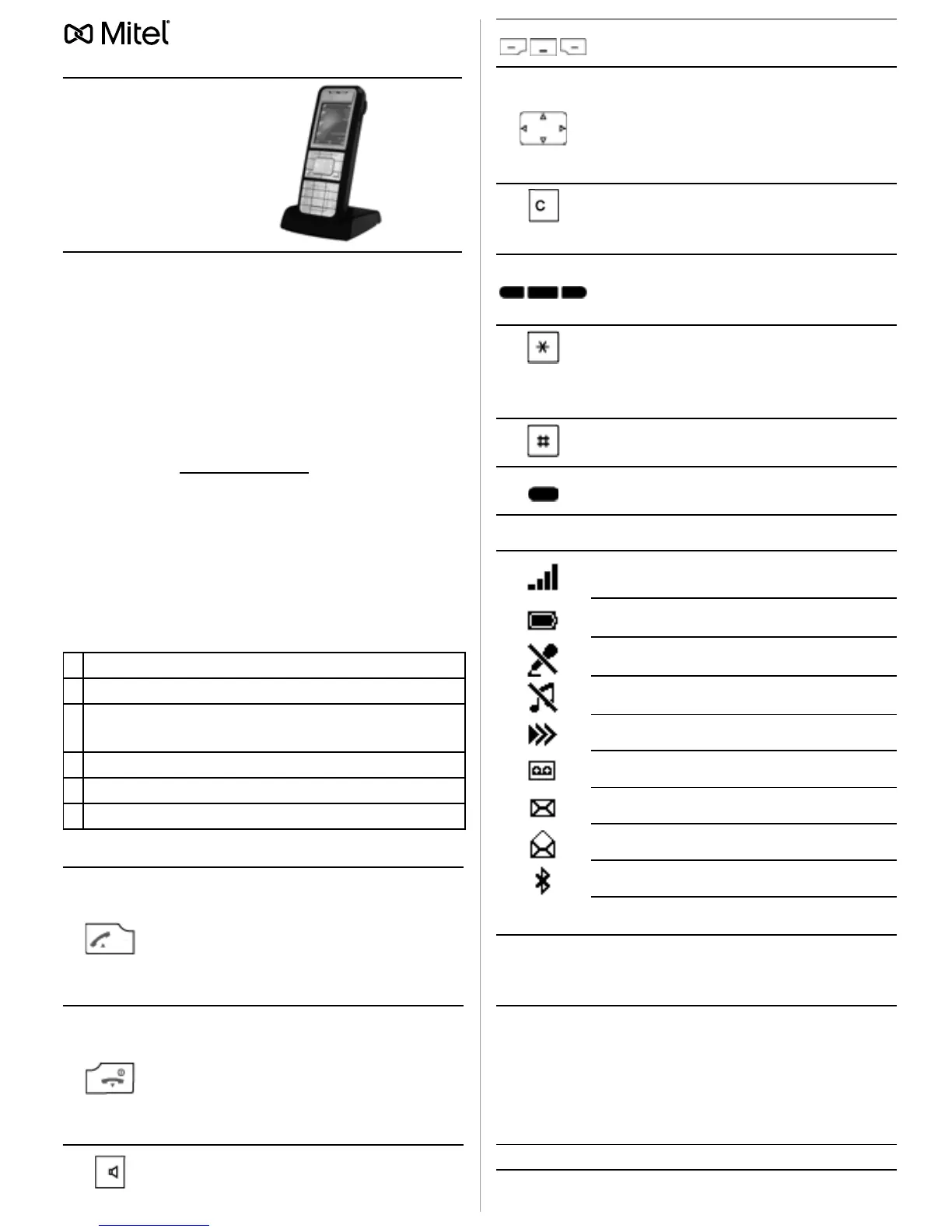
Mitel 622d
(Mitel 622 DECT Phone)
Document designation
• Document number: eud-1467 / 1.4
• Copyright © 03.2015 Mitel Networks Corporation
General information
Your device has been supplied with safety infor-
mation and, where applicable, with other de-
vice-specific information. You can download all
user documents available for this device (e.g.
user guide) at www.mitel.com
.
Communication systems
Your telephone can be used with different com-
munication systems; therefore, the operation dif-
fers according to system. The availability of the
functions, features, key assignments and prod-
ucts also depends on the communication system.
Mark your communication system as follows:
Keys
Display symbols (selection)
LED indicator
English
System
➀
MiVoice 5000
❏
, Aastra X Series
❏
, NeXspan
❏
➁
Mitel 100
❏
, OpenCom 100
❏
,
OpenCom 1000
❏
➂
Mitel SIP-DECT®
❏
➃
MiVoice Office 400
❏
, Aastra IntelliGate
❏
➄
MiVoice MX-ONE SIP-DECT®
❏
Call key:
• Set up a connection.
•R-key function.
Redial list:
•
➀
/
➁
/
➂
/
➄
: Press the Call key.
•
➃
: Press the Call key.
End key:
• Cut connection.
• Exit editor without changes.
• In a menu: Back to idle state.
• Press and hold down: Activate/de-
activate phone.
Loudspeaker key: Activate/deacti-
vate hands-free mode.
Softkeys: Executes displayed func-
tion above key.
Navigation keys:
• In a menu: Scroll forward and back-
ward.
• In a list: Navigate.
• In idle: Call up stored functions.
Correction key: Delete the last char-
acter or go back one step in the
menu.
Configurable side keys (on the left):
• Adjust current connection volume.
• Call up configured function.
Star key: Press and hold down to acti-
vate/deactivate ring tone.
➂
/
➄
: Switch between digits/letters
and upper/lower case.
Hash key: Press and hold down to
lock keypad.
Configurable side key (on the right):
Call up stored functions.
Radio link quality
(4 signal bars: good, 1 signal bar: bad)
State of charge
Microphone off
Ring tone off
More options available
New message in the voice mailbox
➀
/
➃
: New text messages
➀
/
➃
: Read text messages
Bluetooth® activated
Green
• Flashes fast: Incoming call, enquiry
call.
• Lit: Hands-free on.
Red
Flashes slowly:
•
➀
/
➁
/
➂
/
➄
: New entries in the info
area, alarm/appointment.
•
➃
: New voice mail message.
Flashes fast:
• Outside the system’s service area.
Orange
Lit: Battery charging.



 To Next Page