Mitel 620d, 622d, 630d, 632d, 650c microSD Card
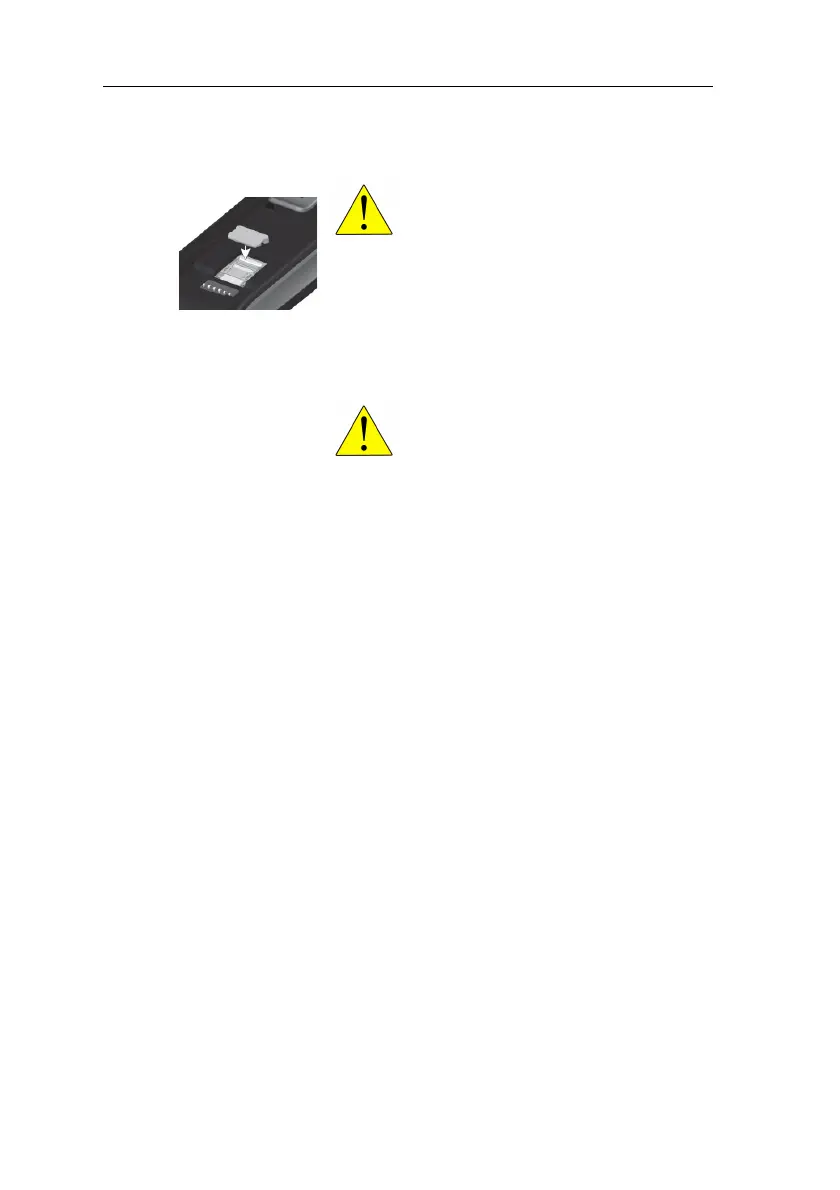
5. Close the card holder again and push it carefully upward
until it engages.
6. Insert the battery and close the battery compartment.
To remove the card, switch off the DECT phone, remove
the protective cover if present, push the card holder
downward and remove the card. Close the card holder by
pushing the card holder upward.
DEVICE BEHAVIOUR AFTER DEPLOYING THE
CARD
Insert the card into the device as described above and switch
on the DECT phone. If the card has been correctly inserted,
you will be informed during startup that a new card has been
recognised. The current device data is then written to a file on
the card; any further changes to the data going forward are
also written to the card.
If the device is not subscribed to a communication system, it
must be subscribed with the serial number (IPEI) of the card,
which is on the backside of the User Guide.
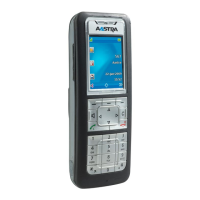
Mitel 620d, 630d
Only for devices with black card holders!
Take the provided protective cover of the card
and place it over the card holder. For devices
with white card holders, do not use the
protective cover.
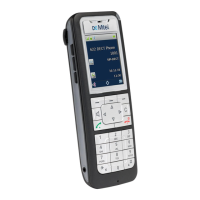
Mitel 622d, 632d, 650c
The protective cover must not be used with
these handsets.



 To Next Page