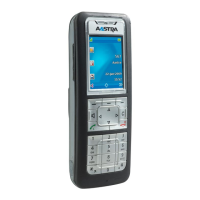
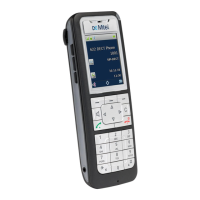
Mitel 620d, 622d, 630d, 632d, 650c microSD Card
User settings(.cnf) ->
Import
Transfers exported device settings
(from the SD card) to the handset and
overwrites the existing settings. The
handset must then be restarted.
<Name> (.vcf) -> Import Transfers an exported directory entry
as a vCard to the handset (Export, see
“Options in the Personal Directory”).
Personal directory (.csv) The personal directory was stored as a
CSV file on the SD card. CSV files can
be converted to Excel files for
processing on a PC. The function is
intended for future applications:
Options available for you to select:
File info Displays information about the file.
Import Imports the entry previously selected.
Rename Allows you to rename the imported file.
Delete Deletes the selected file.
Delete all Deletes all the data from the Import list.
Memory info Indicates how much free storage space is available on
the SD card.



 To Next Page