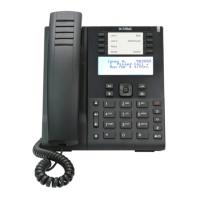
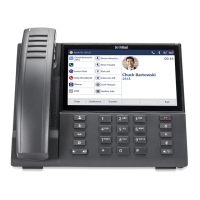
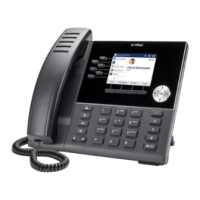
Mitel 6915 SIP Phone - Quick Reference Guide
© Copyright 2023, Mitel Networks Corporation. All Rights Reserved. 58016876 REV00
The trademarks, service marks, logos and graphics (collectively "Trademarks") appearing on Mitel's Internet sites or in its publications are registered and unregistered trademarks of Mitel Networks Corporation (MNC) or its subsidiaries (collectively "Mitel") or others.
Use of the Trademarks is prohibited without the express consent from Mitel. Please contact our legal department at legal@mitel.com for additional information. For a list of the worldwide Mitel Networks Corporation registered trademarks, please refer to the website:
http://www.mitel.com/trademarks.
Mitel’s Power Over Ethernet (PoE) Powered Device (PD) products are covered by one or more of the U.S. patents (and any foreign patent counterparts thereto) identified at Mitel’s website: www.mitel.com/patents. For more information on the PD patents that are licensed,
please refer to www.cmspatents.com.
or
Enter characters using the keypad and press the Search softkey to use the search
feature.
3. When the applicable contact is highlighted, press the Select button or the Dial softkey
to place a call using the entry’s default phone number
or
To place a call to a different phone number defined for the entry (for example, a
mobile number), press the right navigation key, highlight the phone number you want
to call using the up or down navigation keys, and press the Select button or the Dial
softkey.
Call History
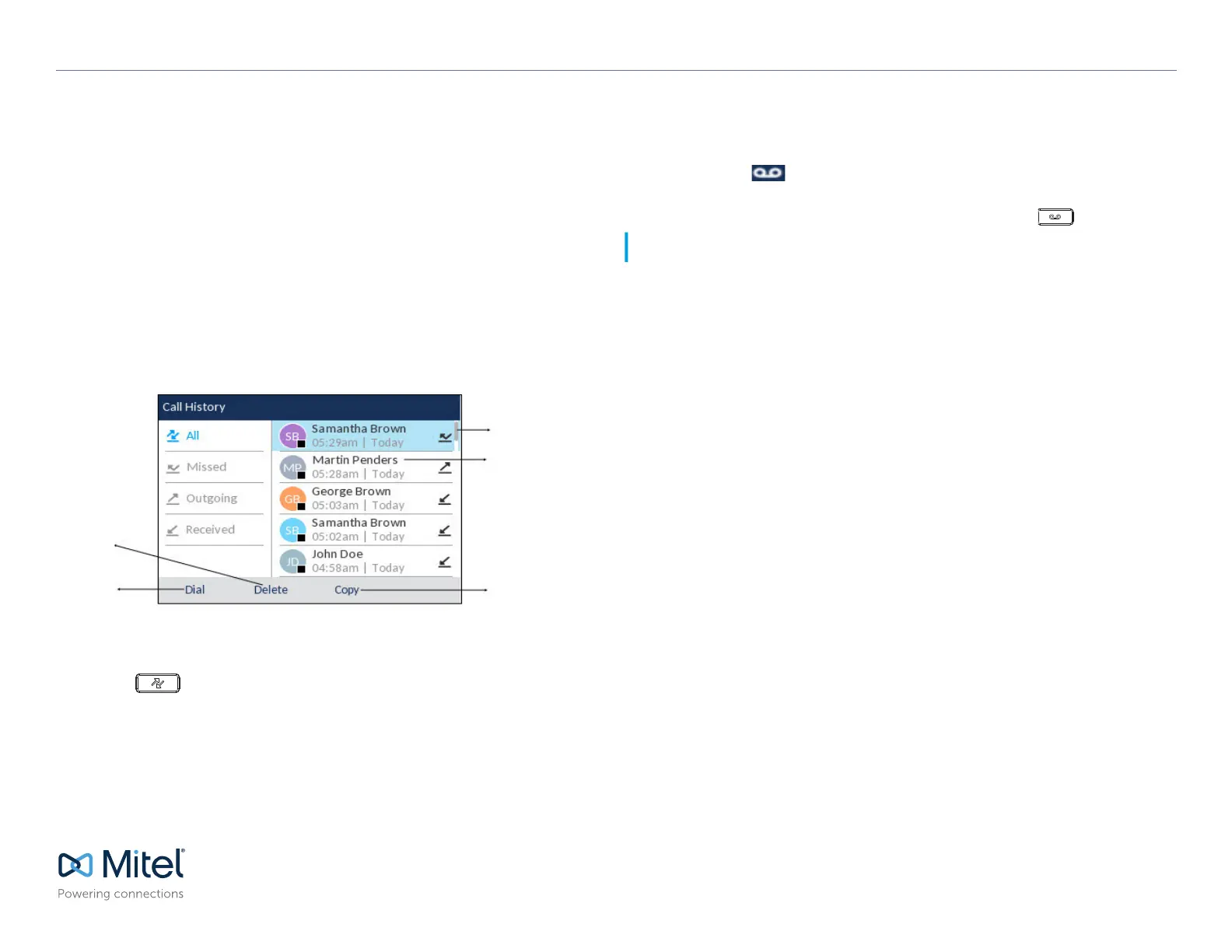
The Call History application displays a list of your missed, outgoing and received calls.
You can view, delete and dial out to call history entries as well as copy entries to your
Contacts application.
Using the Call History application
1. Press the key to access the Call History application.
2. Scroll through the lists by using the navigation keys. To view additional details for an
entry, press the Right navigation key when the entry is highlighted.
3. Press the Select button or Dial softkey to place a call to the respective entry
or
Press the Copy softkey to copy the entry to your Contacts application
or
Press the Delete softkey to delete the entry from your Call History.
Voicemail
When voicemail functionality is enabled, the MWI LED on the Mitel 6915 SIP phone
flashes red and the (Voicemail) icon displays on the status bar indicating that
voicemail messages are available.
You can access your voicemail service by pressing the Voicemail key.
Scroll Bar
Entry Details
(Name, Time, Date)
Copy to Contacts
Softkey
Delete Entry
Softkey
Dial Softkey
Note: Voicemail functionality must be configured by your System Administrator.


 To Previous Page
 Loading...