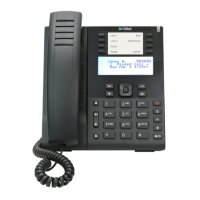
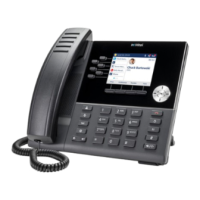
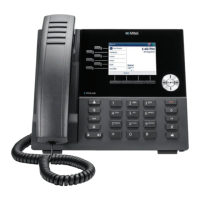
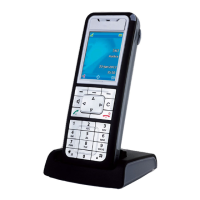
5MiVoice MX-ONE - Mitel 6940
English
Mitel 6940
Quick Reference Guide
User Interface UI
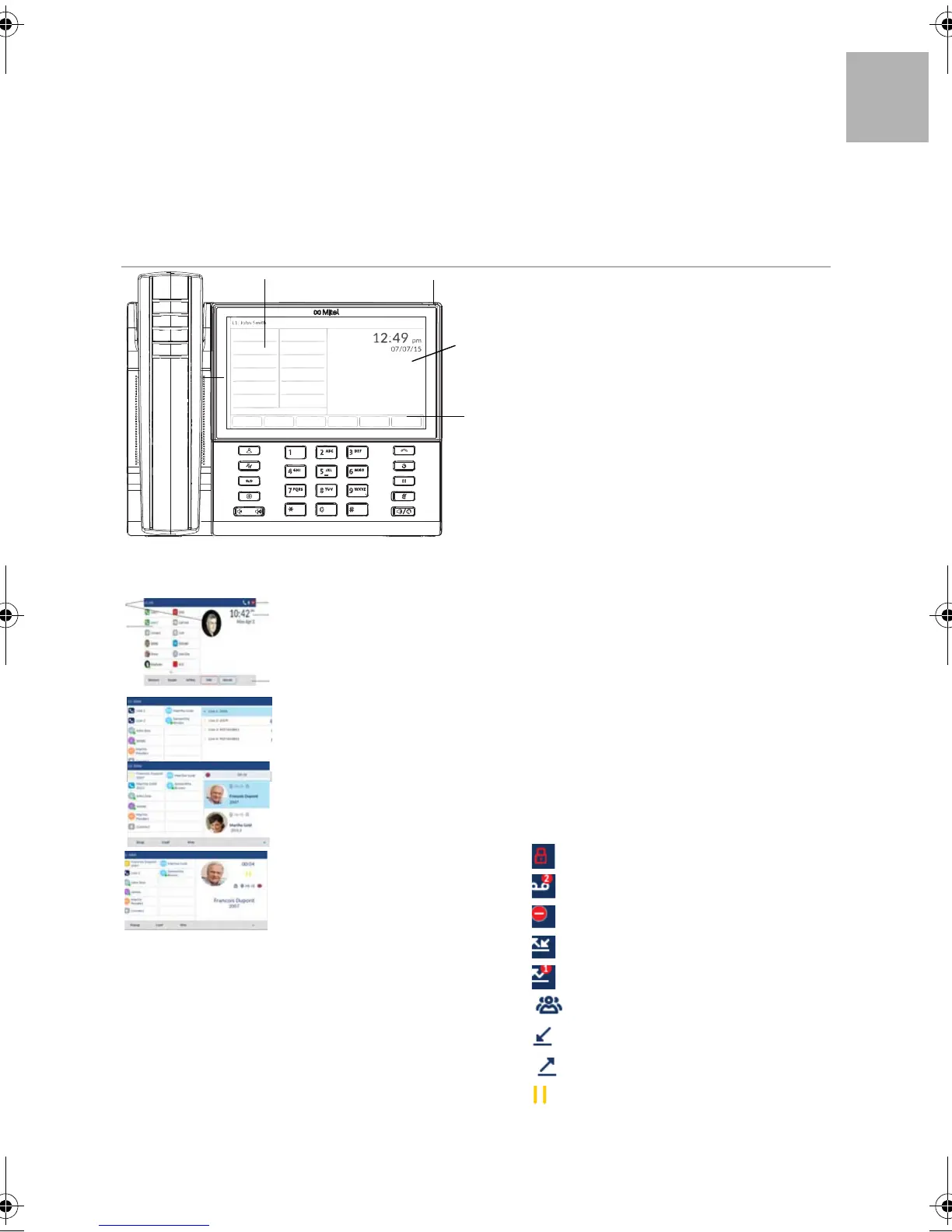
Home Screen
The home screen displays the date and
time along with various important
status. It is the default screen when the
phone is in idle state.
Line selection Screen
Allows you to easily view the lines in use
and select a line to act upon.
Multi view call screen
Allows you to manage your calls more
efficiently when you have more that
one call in progress.
Detailed- view call screen
All information available for a specific
call. It is the default screen for all point-
to-point calls.
Swipe left and right in the top softkey area to switch softkey pages.
This Quick Reference Guide includes short descriptions
on how to use the basic features with an MiVoice MX-
ONE system. More features and technical details are
available in the User Guide.
Read the safety instructions before use!
Phone keys
1 Goodbye Key
2 Redial Key
3 Hold Key
4 Mute Key
5 Spekaer/Headset
6 Contacts
7 Call History
8 Voice Mail
9 Settings
10 Volume
11 LCD Touchscreen
12 Top Softkeys
13 Bottom Softkeys
14 Speaker
15 Message Waiting Indicator (MWI)
Status Indicators
Phone Lock
Voice mail
Do Not Disturb
Call Forward
Missed Calls
Conference call
Incoming call
Outgoing call
On hold
1424_EN_LZT103100.book Page 5 Wednesday, November 15, 2017 3:02 PM


 To Next Page