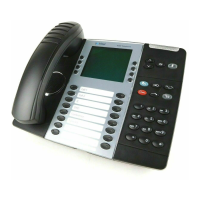
VOICEMAIL
INITIALIZING YOUR MAILBOX FOR THE FIRST TIME
1. Lift handset
2. Press the VOICEMAIL button on the screen, not the message key ( )
3. Interrupt the Mitel greeting by pressing *
4. Enter your extension number
5. When the system says “Enter your password, re-enter your extension
and press #.
6. The system will prompt you to enter a new password (Suggested 5-10
digits)
7. Enter your new password, then press #
➢ The system will play back new password
➢ Press # to accept
8. The system will prompt you to record your name for the directory
➢ At the tone, record your first and last name (callers will hear
this when they dial your name in the company directory)
➢ Press # to end recording
9. The system will play back your name
➢ Press # to accept
10. The system will play a mailbox introduction
➢ Press # if you wish to skip this introduction
11. Press 4 1 1 to access your primary greeting
➢ Record your greeting at the tone
➢ Press # to end recording
➢ After recording, either press 1 to replay, 3 to erase and re-
record, or # to accept your recording
Your mailbox is now setup!





 To Next Page