EN-2
EN
Warning
(Improper handling may have serious consequences, including serious injury or death.)
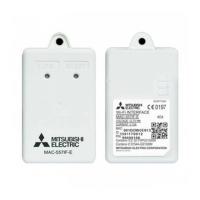
■ When the Wi-Fi interface is dropped,
or its body or cable is damaged,
disconnect the power supply plug or
turn the breaker OFF.
It may cause re or electric shock. In this
case, consult your dealer.
■ In case of an abnormal condition (such
as a burning smell), stop the indoor
unit and disconnect the power supply
plug or turn the breaker OFF.
A continued operation in the abnormal state
may cause a malfunction, re, or electric
shock. In this case, consult your dealer.
Caution
(Improper handling may have consequences, including injury or damage to building.)
■ Do not mount the Wi-Fi interface
where children can reach.
It can cause injury.
■ Do not use the Wi-Fi interface nearby
other wireless devices, microwaves,
cordless phones, or facsimiles.
It can cause malfunctions.
■ Do not step on unstable stepstool to
set up or clean the Wi-Fi interface.
It may cause injury if you fall down.
Note
■ Ensure that the Router supports the WPA2-
AES encryption setting before starting the Wi-Fi
interface setup.
■ The End user should read and accept the terms
and conditions of the Wi-Fi service before using
this Wi-Fi interface.
■ To complete connection of this Wi-Fi interface
to the Wi-Fi service the Router may be
required.
■ This Wi-Fi interface will not commence
transmission of any operational data from the
system until the End user registers and accepts
the terms and conditions of the Wi-Fi service.
■ This Wi-Fi interface should not be installed and
connected to any Mitsubishi Electric system
which is to provide application critical cooling
or heating.
■ Please write down the model information and
more in “Setting information” on the last page
of INSTALLATION MANUAL or the instruction
manual of the system to be connected with
the Wi-Fi interface, when you set up this Wi-Fi
interface.
■ Before transferring or disposing of the Wi-Fi
interface, it has to be reset to the factory
default.
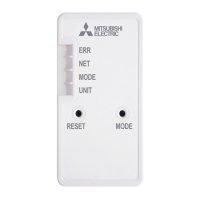
2. Product Introduction
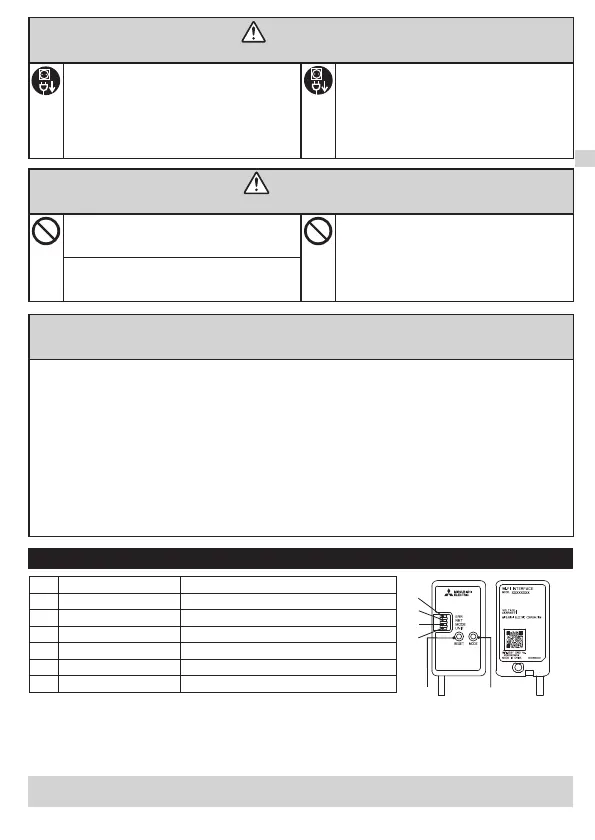
No. Item Description
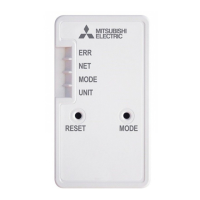
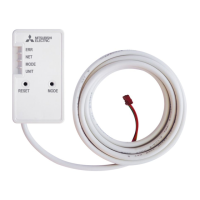
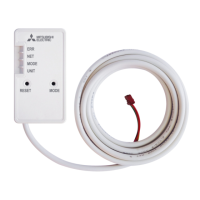
1 MODE switch It selects modes.
2 RESET switch It resets the system and ALL settings.
3 ERR LED (Orange) It shows the network error state.
4 NET LED (Green) It shows the network state.
5 MODE LED (Orange) It shows the Access Point mode state.
6 UNIT LED (Green) It shows the indoor unit state.
When the Wi-Fi interface is reset to the factory default, ALL the conguration information will
be lost. Take great care in implementing this operation.
(2) RESET switch
● Hold down the RESET switch for 2 seconds to reboot the system.
● Hold down the RESET switch for 14 seconds to initialize the Wi-Fi interface to the factory default.
(1) MODE switch
● The MODE switch is used for selecting modes in congurations.
3
4
5
6
2
1
JG79Y755H01_EN_SETUP.indd 2 2020/01/23 10:33:59



 To Next Page