EN – 7
ENGLISH
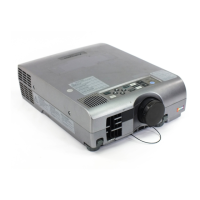
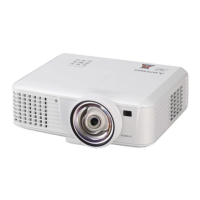
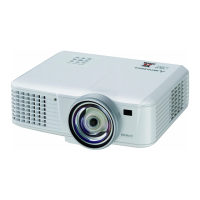
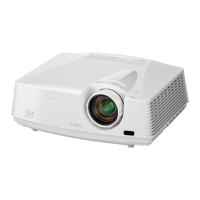
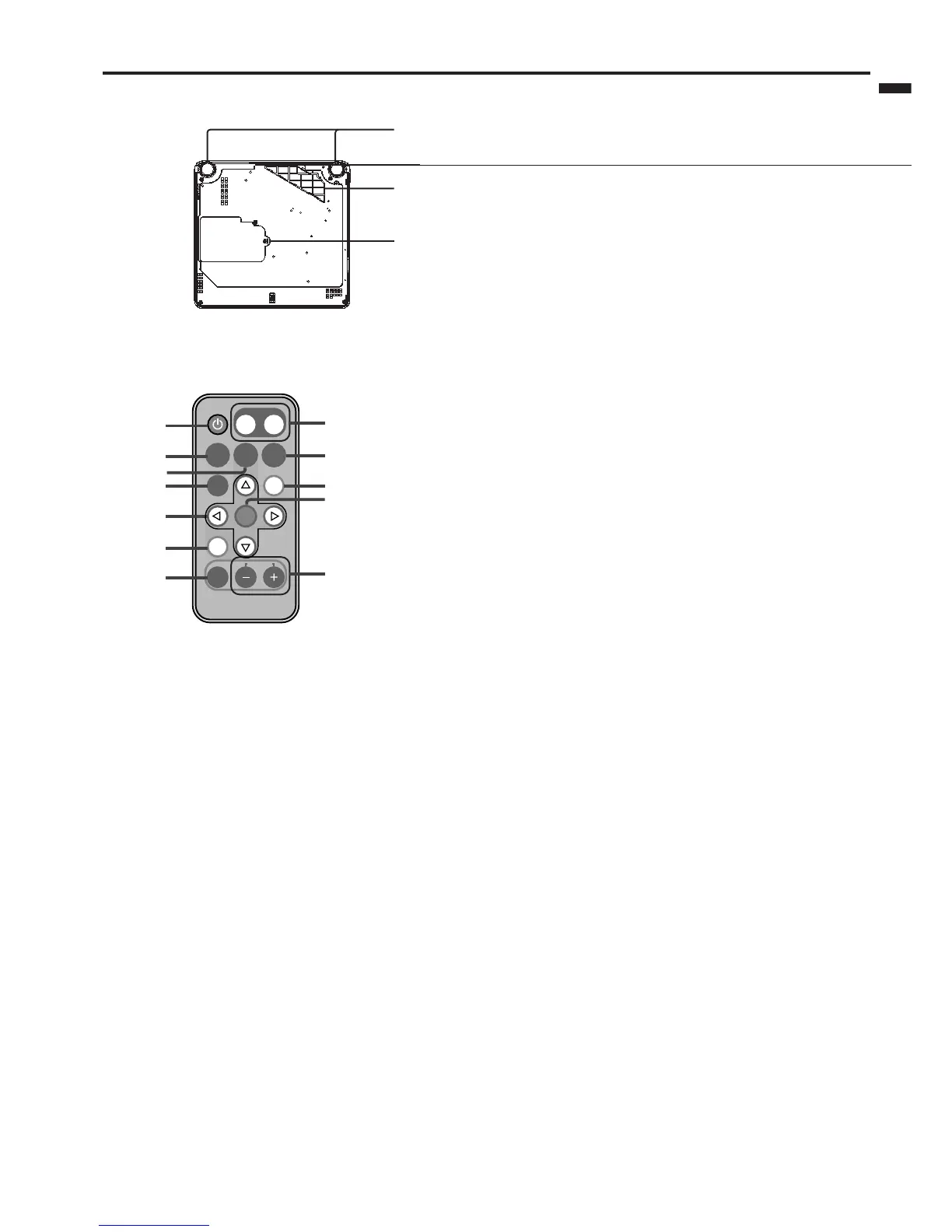
Bottom side
3
1
2
POWER
PAGE
VOLUME
EXPAND
SOURCE
KEYSTONE
AUTO
POSITION
STILL MUTE
ENTER
MENU
UPDOWN
1
2
3
4
5
6
7
12
11
10
9
8
1 Lamp cover
2Air inlet grille / Filter cover
3 Adjustment foot (Left/Right)
Caution:
Do not replace the lamp immediately after using the
projector because the lamp would be extremely hot and
it may cause burns.
Remote control
1 POWER button
2 SOURCE button
3 KEYSTONE button
4 STILL button
5 Direction buttons
6 MENU button
7 EXPAND button
8 VOLUME + and – buttons
9 ENTER button
10 MUTE button (Audio/Video)
11 AUTO POSITION button
12 PAGE UP and DOWN buttons
Important:
The VOLUME + and - buttons are used for operation
in the EXPAND mode as well as for volume control.


 To Next Page
 Loading...