Page 12
MODELS: WS-55517 / WS-65517 / WS-73517
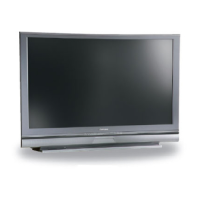
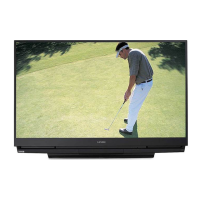
CABINET SEPARATION PROCEDURE
WS-65517 / WS-73517
Cabinet Separation Procedure
1. Pull the Speaker Grill from the cabinet.
2. Unplug the CC, ZF and GR connectors.
3. Remove 4 plastic covers and screws (a)
from each side of the cabinet.
4. Carefully lift the cabinet top and place it on
the floor.
5. Place the cabinet bottom in the desired
location.
6. Reverse the procedure and mount the
cabinet top on the cabinet bottom.
Main Chassis Removal
Chassis Removal
1. Undo the cable wire ties to the Front Panel, Speakers, CRTs, etc.
2. Unplug the 1394 cables from the DM module.
2. Remove screw (a) securing the Main Chassis.
3. Release the Chassis Locks on each side of the chassis.
4. Slide the Chassis out the rear of the unit.
5. Tilt upward to access the bottom of the main chassis.



 To Next Page
 Loading...