Page 7
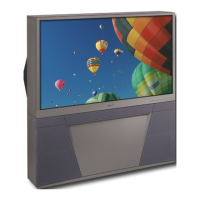
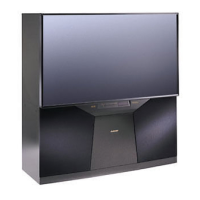
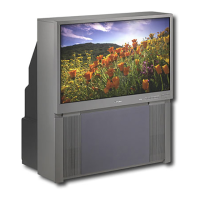
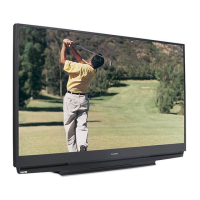
MODELS: WS-55517 / WS-65517 / WS-73517
CABINET DISASSEMBLY (FRONT VIEW)
*Refer to the Parts List for Part Numbers
Front Cabinet Disassembly
1. Remove the Speaker Grille by pulling forward.
2. Remove the Board Front by removing screws (a).
3. Remove 4 screws (b) holding the Screen Assembly (all models).
4. Remove screws (c) from the Screen Assembly (WS-65517 & WS-73517 only)
5. Unplug the CC, ZF and GR connectors from the Control Panel.
6. Lift the Screen Assembly up and away from the cabinet.



 To Next Page
 Loading...