USER MANUAL | T10 & NC8/NS8
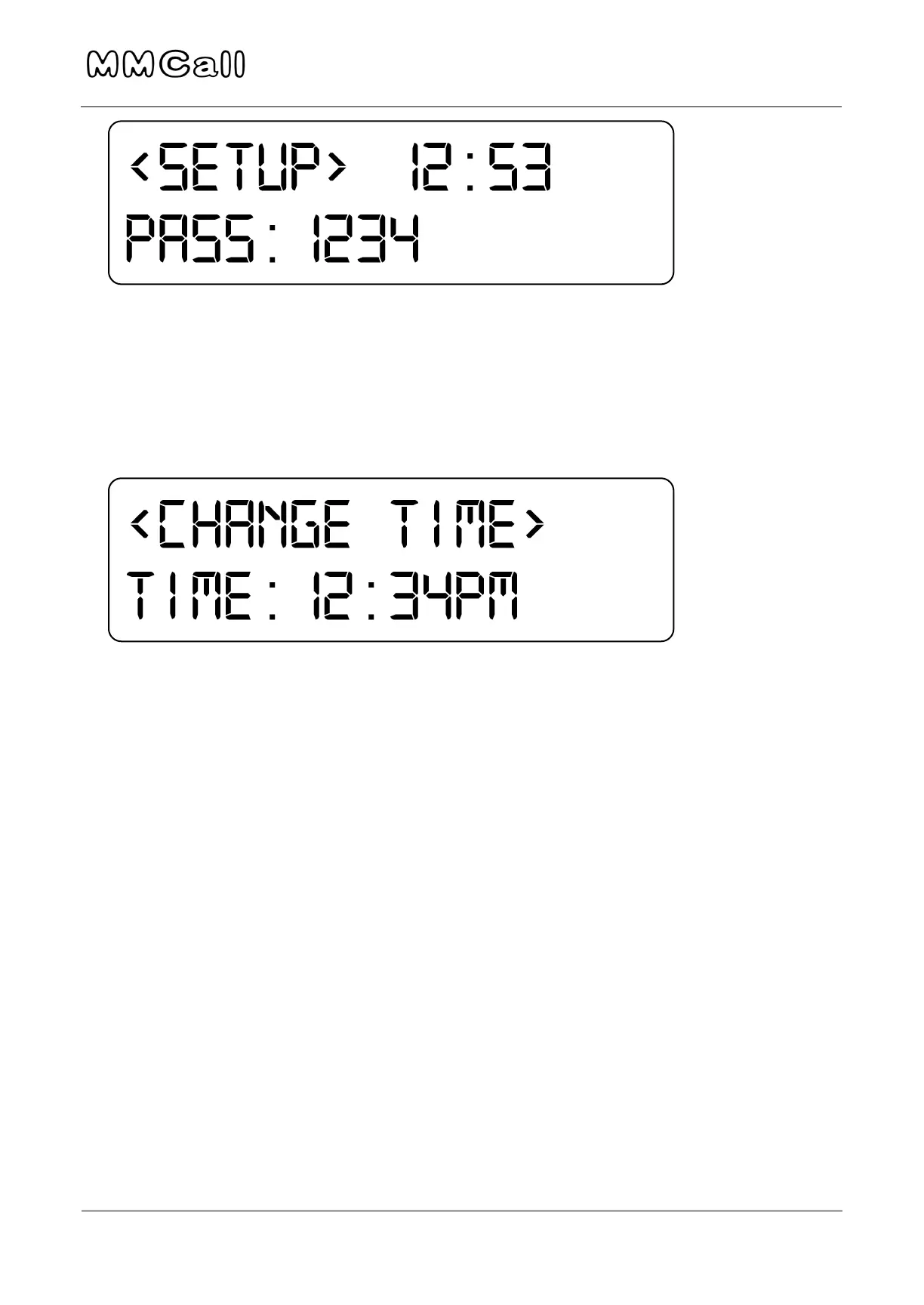
Change Time:
1. Use numbers on transmitter to change time, press UP or Down to adjust
AM/PM or 25 hour mode. Press ESC when done.
2. Press F1 to exit settings menu.
Default and Preset Messages
Menu #5: Preset Message (Default): Initial message sent without additional
messages (often preset as “Please Return to Counter”).
a. Use the “#S” Key to choose between numeric or alphabet characters,
then type out message. Press “2” twice to get “B”, etc. and “0” for a
space.
Menu #6: Message (preset): Additional messages to choose from.
a. Message 1: Press ENT and input message. Press ENT when done,
then ESC to leave that menu. Scroll up or down to change Message
2-9.
b. Note: to send completely custom messages later (i.e. without preset
words) one of these 9 messages must remain blank.


 To Next Page