DOWNLOAD MOBI SMART APP
www.getmobi.com
(877)-662-4462 .
1. Make sure you have access to your email to verify your MOBI
Smart Account.
2. Have your 2.4GHz Wi-Fi Network Name and Password ready.
Network passwords are case, space, and number sensitive.
3. Check your WiFi Connection – MOBI Smart MobiCam Multi-
Purpose Camera’s are designed to utilize a 2.4GHz(2G) WiFi
Frequency. During setup please confirm your device is
connected to the 2G WiFi frequency. When the MOBI Smart
App requests your WiFi information, please ensure that you
are also entering the credentials for the 2.4GHz connection. If
unaware of how to connect to your 2G Network, your WiFi
router provider can assist with steps to connect.
WHAT’S IN THE BOX
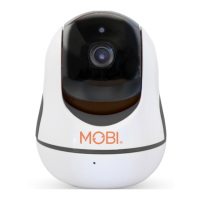
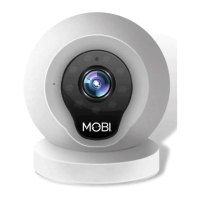
1. MobiCam Multi-Purpose Smart HD WiFi Camera
2. AC Wall Adapter
3. Instruction Manual
BEFORE GETTING STARTED


 To Next Page