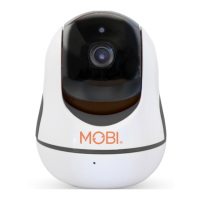
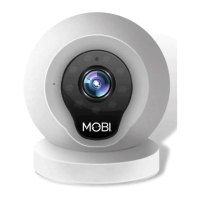
www.getmobi.com
(877)-662-4462 .
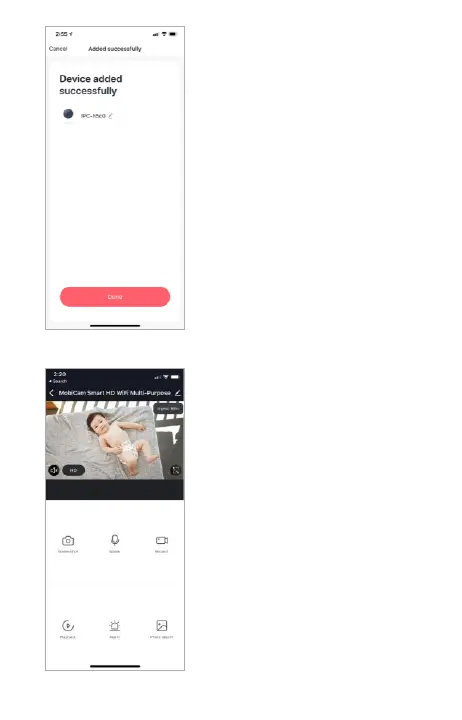
SUCCESS
You have now successfully
connected your MobiCam.
Your device should display-in-
app. Here you can rename
your camera if desired. Tap
“Done” to begin viewing your
camera’s live feed.
LIVE VIEWING
From here you can view your
MobiCam’s live feed.
Two-Way Audio: Hold the
microphone icon to talk through
your MobiCam.
Record/Screenshot: Tap Record
once to begin recording. Tap
screenshot to take a quick
picture. Video and images will
save to your phone.
Night Vision: Night vision can be
turned on, off or set to auto.
Tap the pencil to access settings.


 To Next Page