www.getmobi.com
(877)-662-4462 .
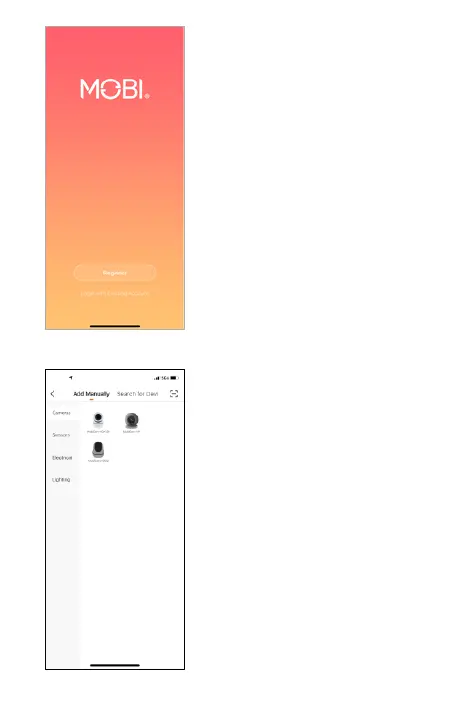
Open MOBI Smart App and
register. Agree to the privacy
policy. Enter your email
address, then tap “Get
Verification Code”. Check
your email for the verification
code. Confirm the verification
code and then create your
password.
REGISTER
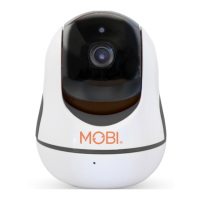
ADD DEVICE
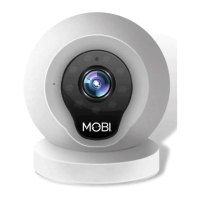
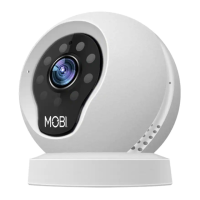
Tap “Add Device”, then select
your MobiCam model.


 To Next Page