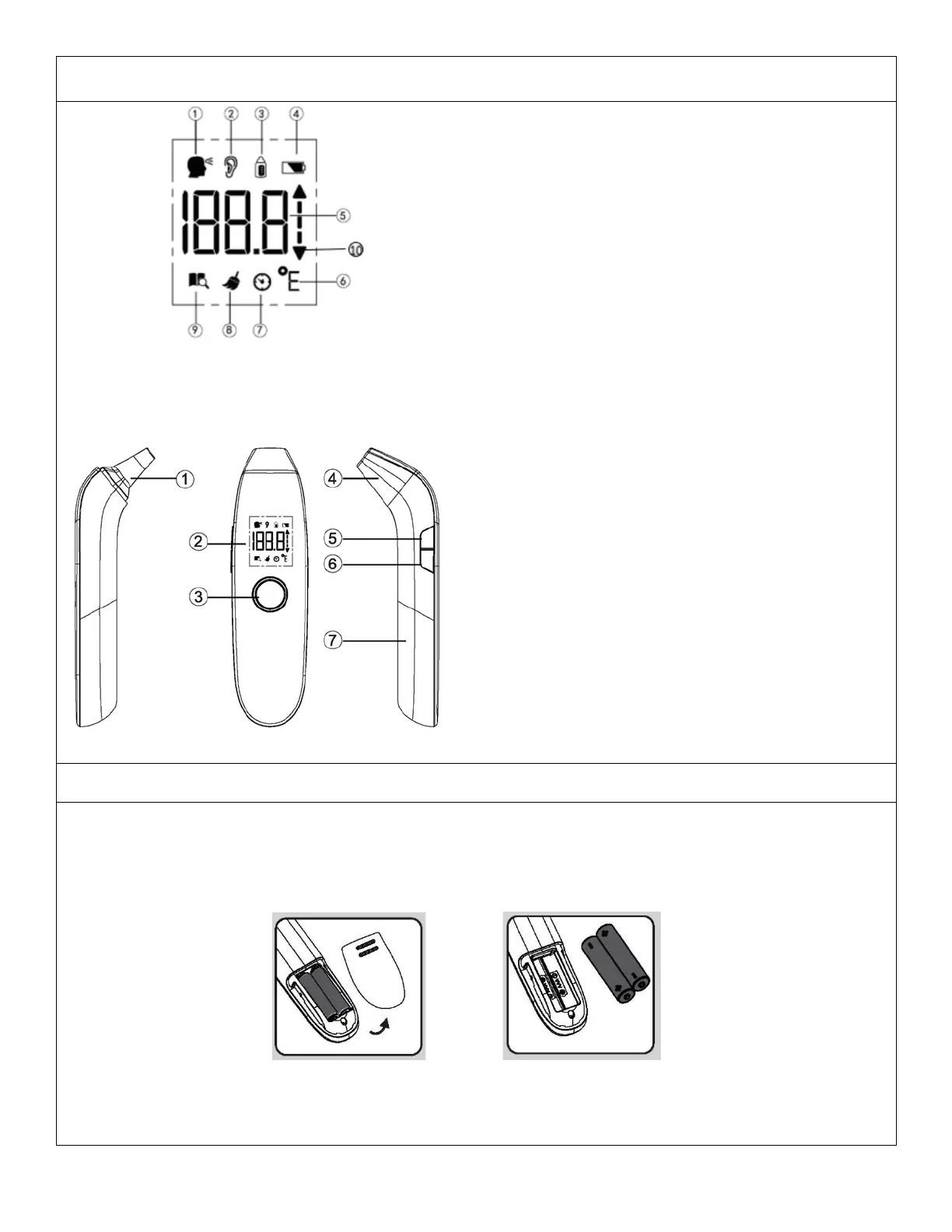
1. Forehead Temperature Symbol
2. Ear Temperature Symbol
3. Object Temperature Symbol
4. Low Battery Symbol
5. Temperature Display
6. Celsius/Fahrenheit Symbol
7. Health Check
8. Cleaning Symbol
9. Memory Symbol
10. Temperature Trending Indication
Note: When the device is powered on all icons are temporarily displayed on screen, this is not an
indicator of battery power. Battery indicator will display constantly when battery level is low.
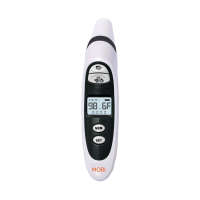
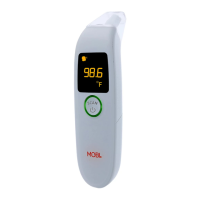
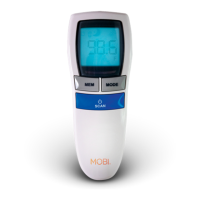
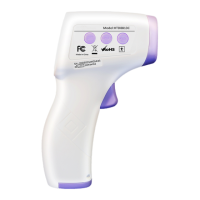
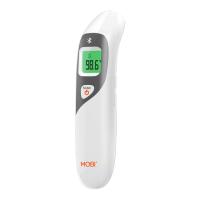
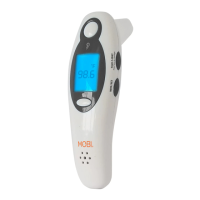
1. Infrared Sensor
2. LCD Display
3. Power & Scan Button
4. Probe Cap
5. MEM/SET Button
6. Temperature Mode Selection
7. Battery Cover
Installing/Replacing Battery
• Remove the battery cover by sliding it toward the bottom of the thermometer.
• Insert or replace 2 x 1.5 AAA batteries into the battery compartment, ensuring to match the
indicating polarity symbols (always use new batteries).
• Replace the battery cover on to the thermometer ensuring it snaps closed.



 To Next Page