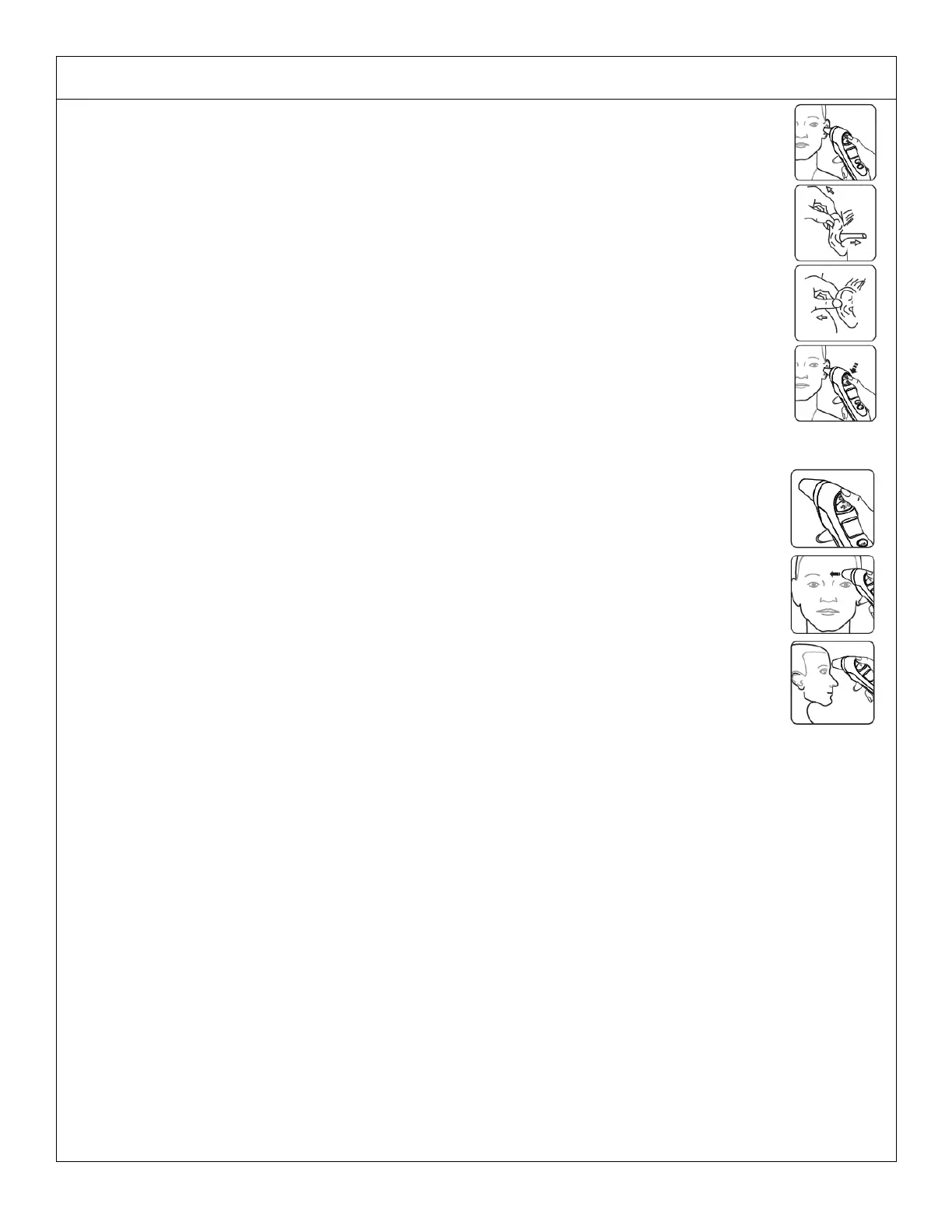
Ear temperature measurement:
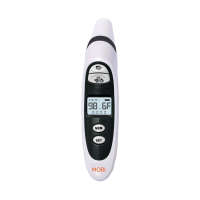
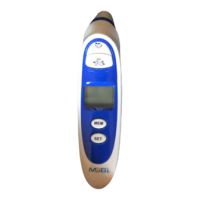
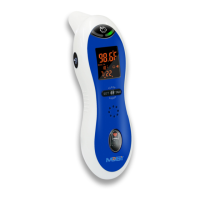
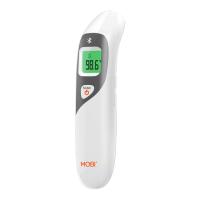
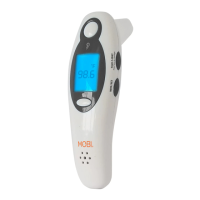
• Press the ‘HEAD’ button to turn the thermometer ‘On’.
• Remove probe cover and insert ear probe only slightly inside the ear.
• Press and release the "EAR” button to measure the body temperature.
• Once you hear a short beep the body temperature will be displayed either in
°
F or
°
C
depending on the setting.
Note: Please allow 6 seconds before the next reading. The ‘mode’ icon will stop
flashing in the display. Results shown from 89.6
°
F to 109.3
°
F (32.0
°
C to 42.9
°
C). “HI” is
displayed for all results above 109.3
°
F (42.9
°
C), and “LO” displayed for result below 89.6
°
F
(32.0
°
C).
Forehead temperature measurement:
• Press the ‘HEAD’ button to turn the thermometer ‘On’.
• Ensure the forehead probe cover is attached. Gently touch the entire tip of the probe
to the center of the forehead, midway between the eyebrows and the hairline ensure
no hair is obscuring probe.
• Press and release the ‘HEAD’ button to measure the body temperature.
• Once you hear a short beep the body temperature will be displayed either in
°
F or
°
C
depending on the setting.
Fever Alert Feature: If the body temperature reading exceeds 100.4°F, ‘FE’ will flash on
screen to alert you the reading indicates a Fever.
Liquid/Food Temperature measurement:
• Press the ‘HEAD’ button to turn the thermometer ‘ON’.
• Ensure that the thermometer is in FOOD mode; by Pressing both middle of ‘HEAD & EAR’ buttons
once at the same time. ‘Food’ will show on the display.
• Hold the thermometer approximately 1 Inch away from the object surface, Press and release the
‘EAR’ button aiming the measurement sensor at the food.
• Once you hear the short beep the Food temperature will be shown in numbers either in
°
F or
°
C
depending on the setting.
Note: If display shows HI/LOW please make sure thermometer is in FOOD Mode.



 To Next Page