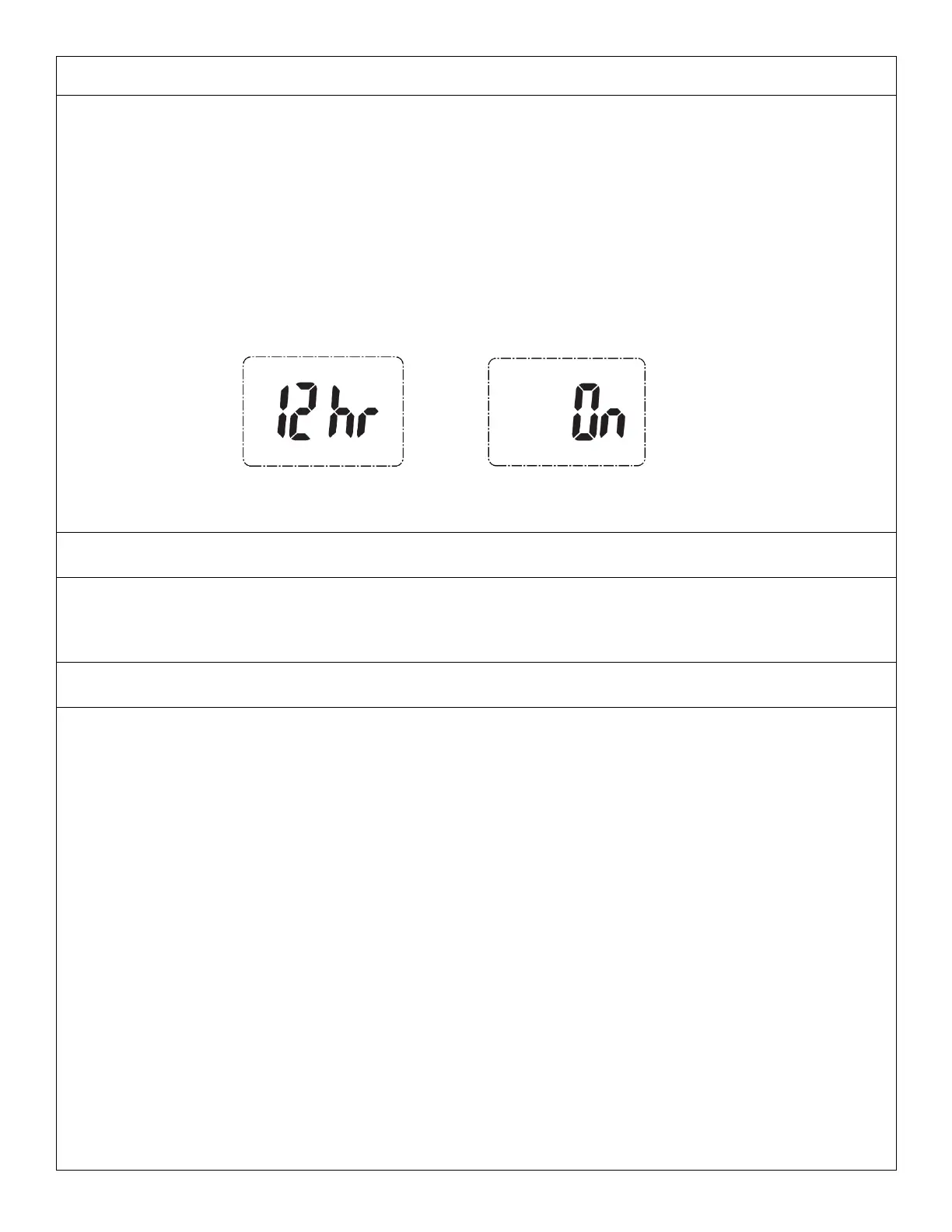
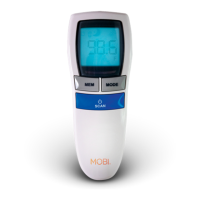
• Turn on the device, then press and hold the ‘SET’ button to enter the settings menu. The device will
beep and the blue backlight will turn on.
• On-screen you will see '12HR' or '24HR' 'flashing'. This is to choose between 12-hour and 24-hour
clock settings.
• While in the settings menu, use the ‘MEM’ button to change Time/Date as needed and the ‘SET’
button to save and move to the next setting.
• Then select Hour, Minute, Year (2001 – 2099), Month, Day and whether Sleep Mode is ON or OFF.
• When the Sleep Mode is active, the thermometer will turn OFF automatically after 3 minutes of
inactivity. When sleep Mode is deactivated, the thermometer remains with power ON continuously.
Note: For saving battery power, it is recommended to set Sleep Mode to ON.
• To change the measurement unit on this device, enter 'memory mode' by pressing the 'MEM'
button once. Then press and hold the 'SET' button to switch between °F and °C.
• For more accurate measurements always store the device in same environment it is being used, for
at least 30 minutes prior. An unexpected fluctuation of ambient temperature is likely to lower
measuring accuracy.
• External factors may influence ear and forehead temperatures, particularly when the individual has
been:
o Lying on the ear to be measured or has it covered.
o Exposed to very hot or cold temperatures.
o Swimming or bathing causing the ear canal to be wet.
o Recently exercising, bathing or other physical exertion as this increase’s temperature.
• Do not talk or move body during measurement.
• Make sure to dry forehead or keep ear canal clean. Unclean ear canal or excessive hair may cause
inaccurate reading.
• The infrared sensor must be kept clean, dry and undamaged to ensure accurate results. Please wait
5-15 minutes before taking measurement again.
• Replace battery when low battery indicator is “ON”.
• Use of this device is not intended as a substitution for consultation with your physician.
Measurement results are for reference only. Contact your physician if you have or suspect and
health concerns.
• For individuals using hearing aids or ear plugs remove any such device and wait 30 minutes before
taking an ear temperature.


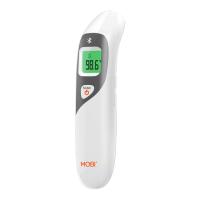
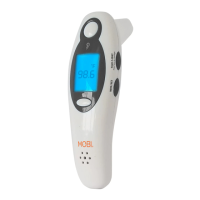

 To Next Page