Lens / Measurement Sensor
• Gently clean with an alcohol swab. Do not use water to wash the thermometer lens directly.
Thermometer
• Clean with a soft, dry cloth. Do not use water to rinse the device.
Note: The thermometer is programmed to remind the user to clean the device, ‘CL’ will flash on screen.
Press ‘SET’ to exit this notification, and please clean the unit.
When the thermometer is turned ‘on’ the current time, date and room temperature will automatically be
displayed on the screen when not being used to measure body temperature.
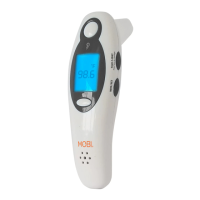
Pressing any button will activate the blue backlight to turn on. When the device is in a temperature
measuring mode it will automatically turn off after 5 seconds of inactivity.
• This thermometer can recall up to 9 prior measurements stored in memory.
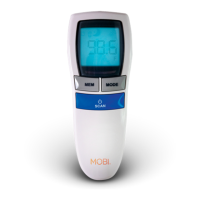
• Turn on the thermometer, press the “MEM” Button once, then press it again to show the last
measurement.
• The symbols for EAR, FOREHEAD & FOOD will appear with each measurement stored in memory to
indicate whether a person’s forehead, ear or food temperature was taken.
• Continue pressing the 'MEM' button to cycle through the desired previous measurements.
No
response/automatic
reset when pulling
out plastic insulator
tab.
Batteries are low or dead
Batteries installed in wrong polarity?
Poor battery contact?
Change to new batteries
Remove batteries and reinsert batteries
correctly
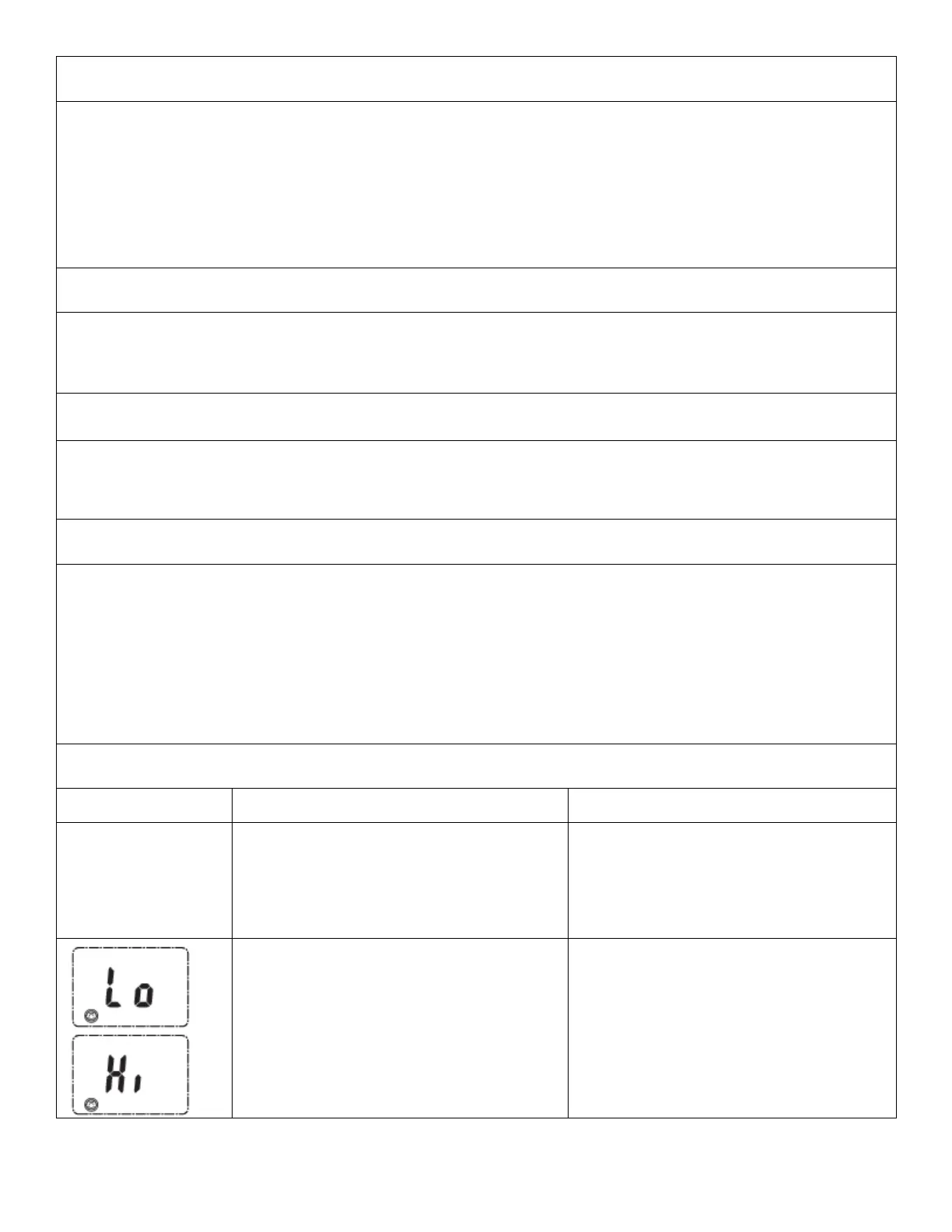
Measured temperature is lower than
89.6°F/32.0°F or higher than 109°F/42.9°C
Follow steps in user manual for correct
measurements.
Check the device is in the correct
operating mode.



 To Next Page