Quick Start
Turning Off the xTablet T7200
Turning off the xTablet T7200 properly is important to maintaining your rugged tablet PC.
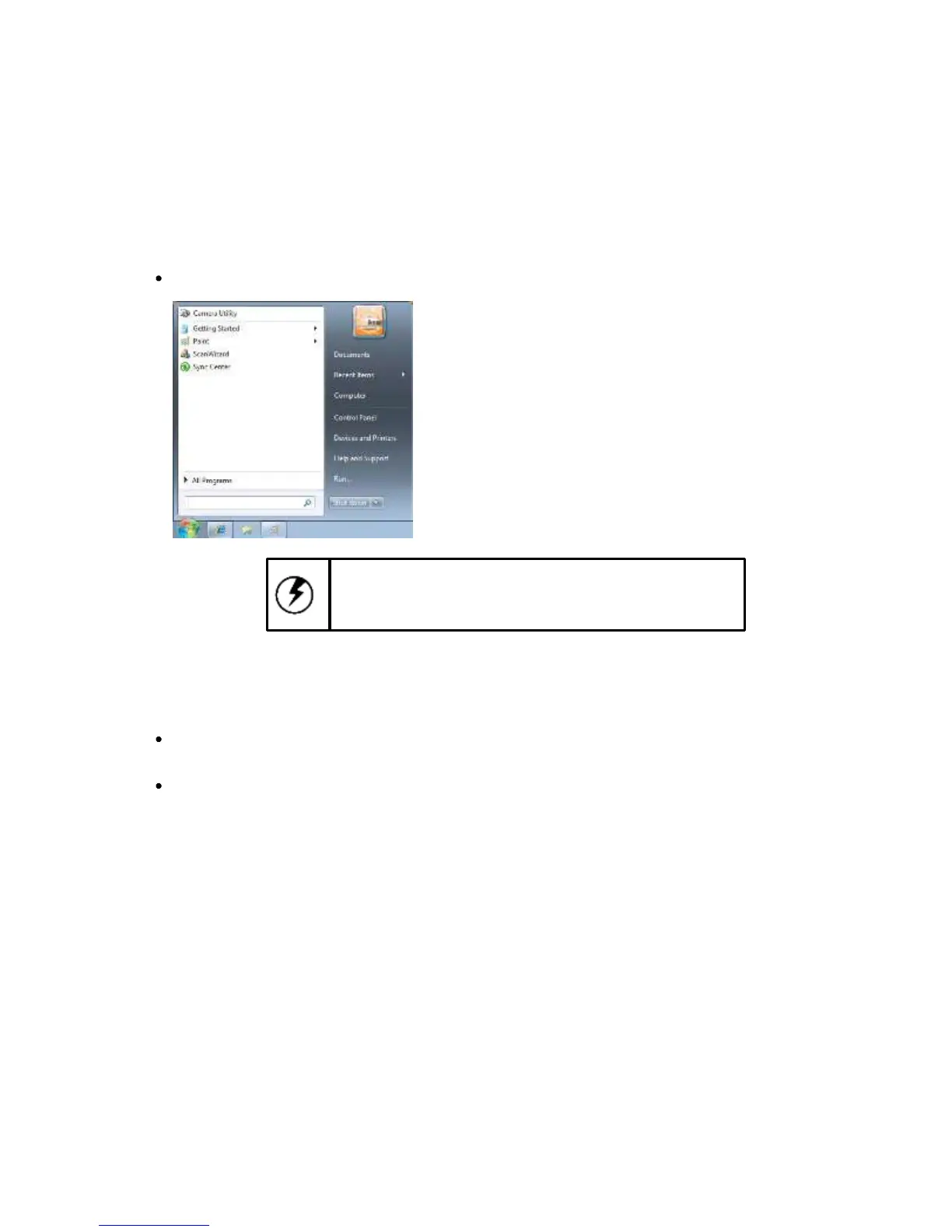
To turn off the xTablet T7200
Select Start > Shut down.
Caution: Shutting off the xTablet T7200 improperly
may result in loss of data.
If you are going to be away from the xTablet T7200 for a short period, there are ways of conserving
power without shutting down the system. See the "Power Management" chapter for more information.
To conserve power
Select Start > Control Panel > Power Options, then follow the instructions to edit the applicable
plan settings.
Press [Fn] + [E] on the QWERTY keyboard to put the xTablet T7200 in hibernation.
8



 To Next Page