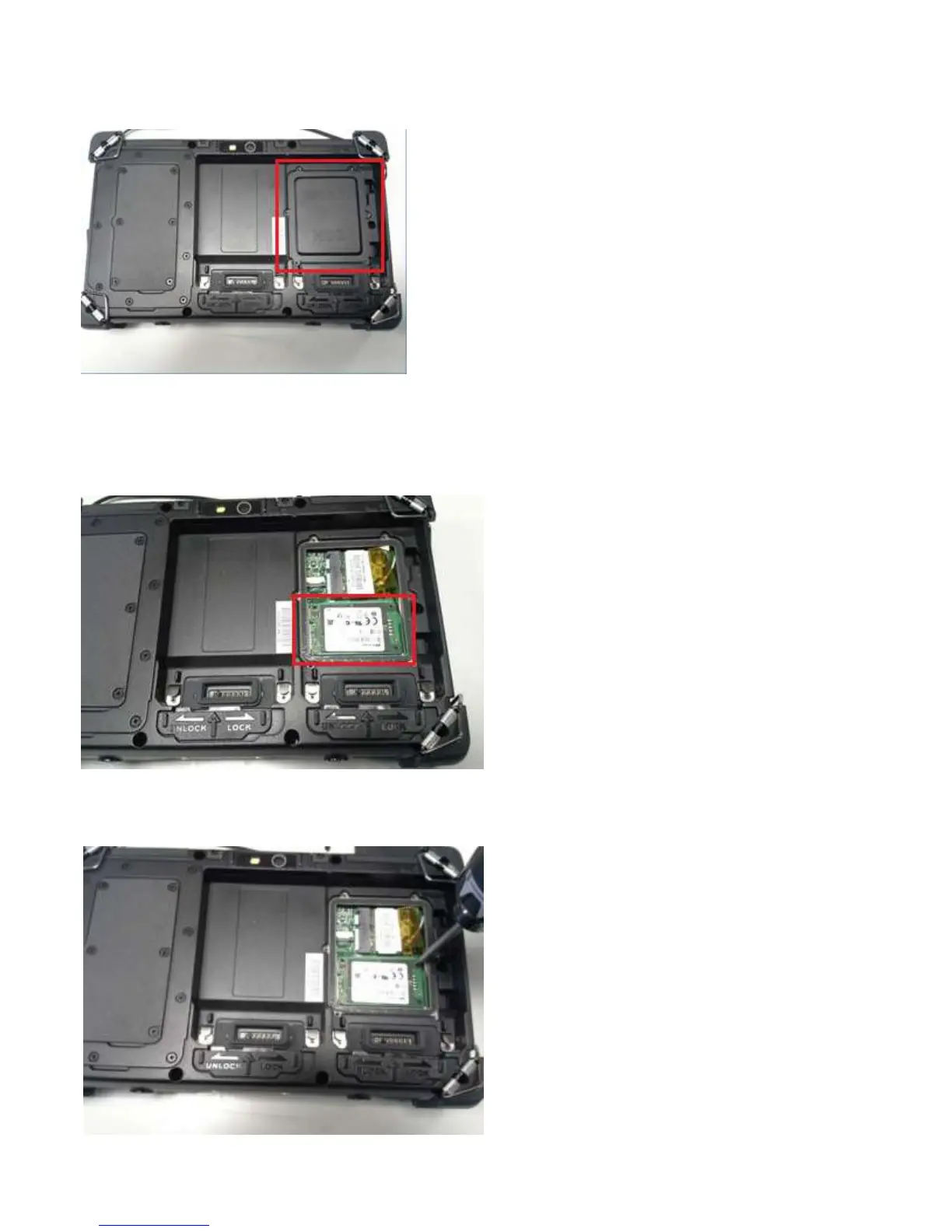
Replacing the SSD (Solid State Drive)
Shut down Windows, turn off the unit, and remove the batteries. Flip the unit on its back. Remove the Battery 1
and Battery 2 on the right of the tablet.
The cover that is under Battery Bay 1 is where the SSD drive is. Remove those screws holding that cover down.
The cover that is under Battery Bay 1 is where the SSD drive is. Remove those screws holding that cover down.
Carefully remove the screws that hold the drive down,
and swap the drive, and repeat the steps in reverse to
get the unit back together again.
24



 To Next Page