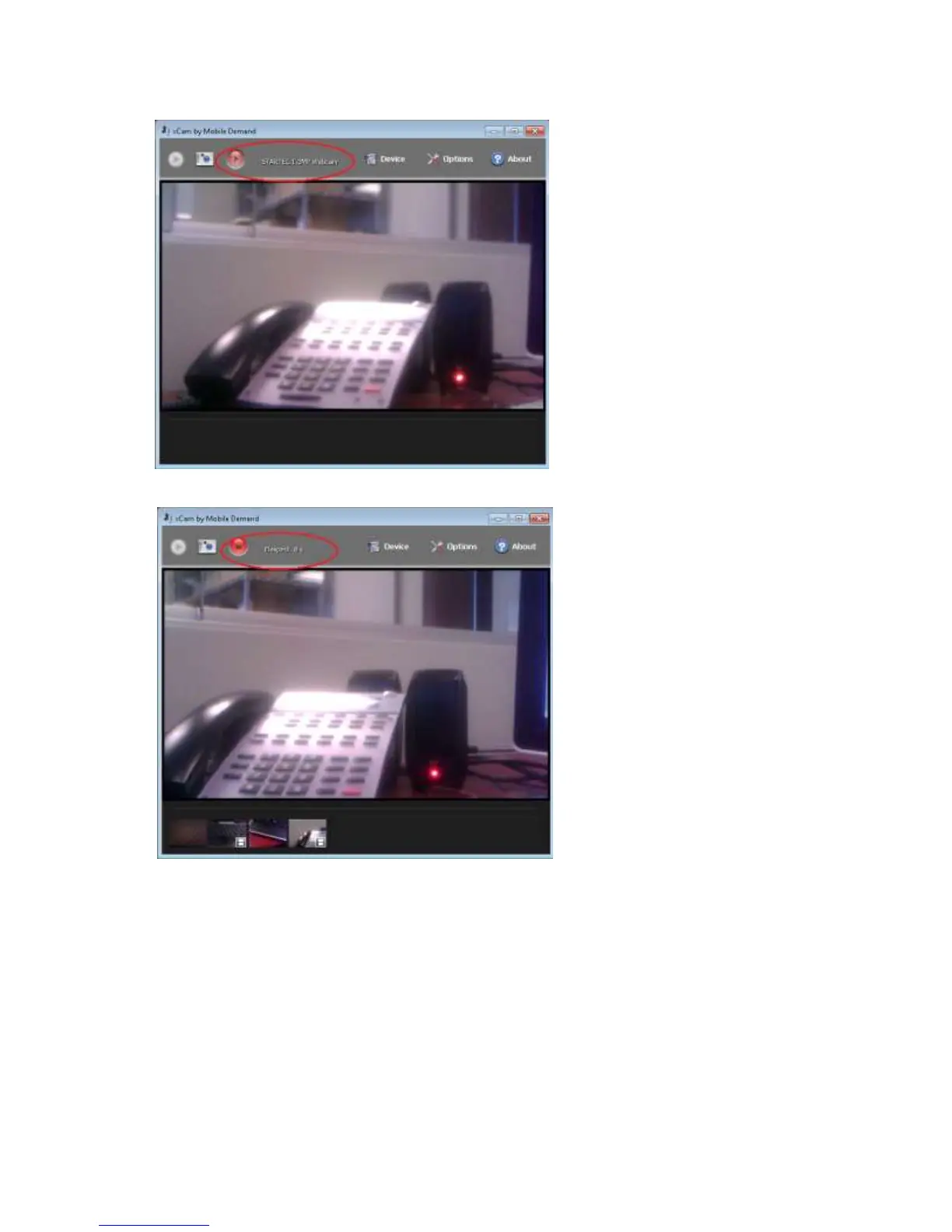
To record a Video
1.
Press the Red record button shown below.
3. The display will change and show the elapsed time for the video recording
4. When you want to stop recording, use the stylus or your finger and press the Red Record button again to stop
recording.
5. The video will automatically be saved into the Video directory of the current logged in user.
Setting Options
1. By pressing the Options button, you will have the ability to change options for Image (Pictures) and
Video settings.
2. The following changes can be made in OPTIONS
a. Set the paths where the pictures are stored
b. Image format for the pictures (BITMAP or JPEG)
c. Quality of video
d. Video frame-rate.
21



 To Next Page