73/132
Mounting The Corner And Pole Mount
© MOBOTIX AG • Security-Vision-Systems • Made in Germany
www.mobotix.com • sales@mobotix.com
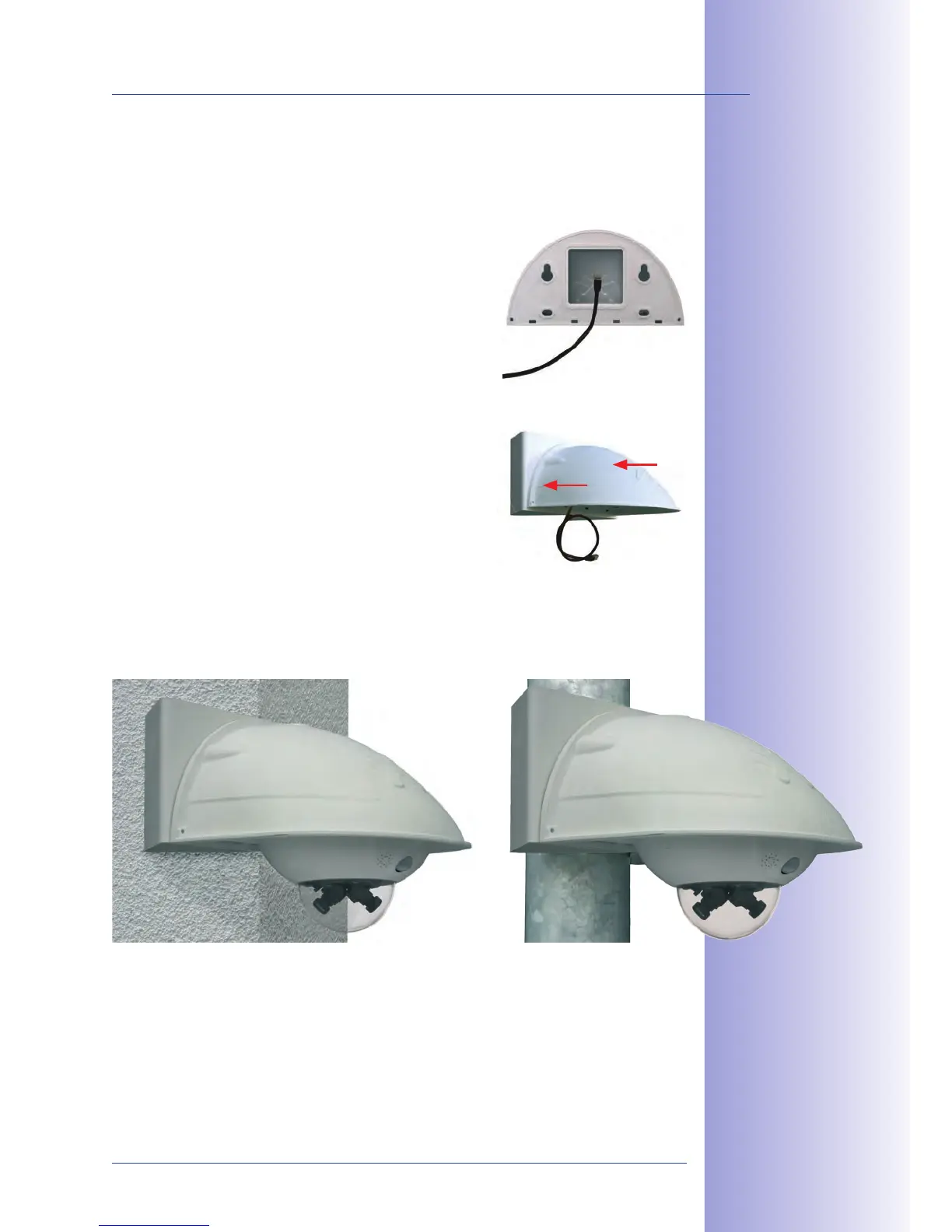
2.5.4 Mounting The Outdoor Wall Mount
Use the stainless steel screws, washers and hex nuts supplied with the Corner and
Pole Mount to ax the Outdoor Wall Mount to the installed Corner and Pole Mount.
1. Lead the cables through the appropriate hole at the
back of the Outdoor Wall Mount.
2. Use the M8x30 Allen screws, washers (dia. 9 mm)
and M8 hex nuts supplied with the Corner and
Pole Mount to attach the Outdoor Wall Mount to
the Corner and Pole Mount.
Mount the camera to the Outdoor Wall Mount, as described from Section 2.4.3 onwards
(Aiming The Camera).



 To Next Page