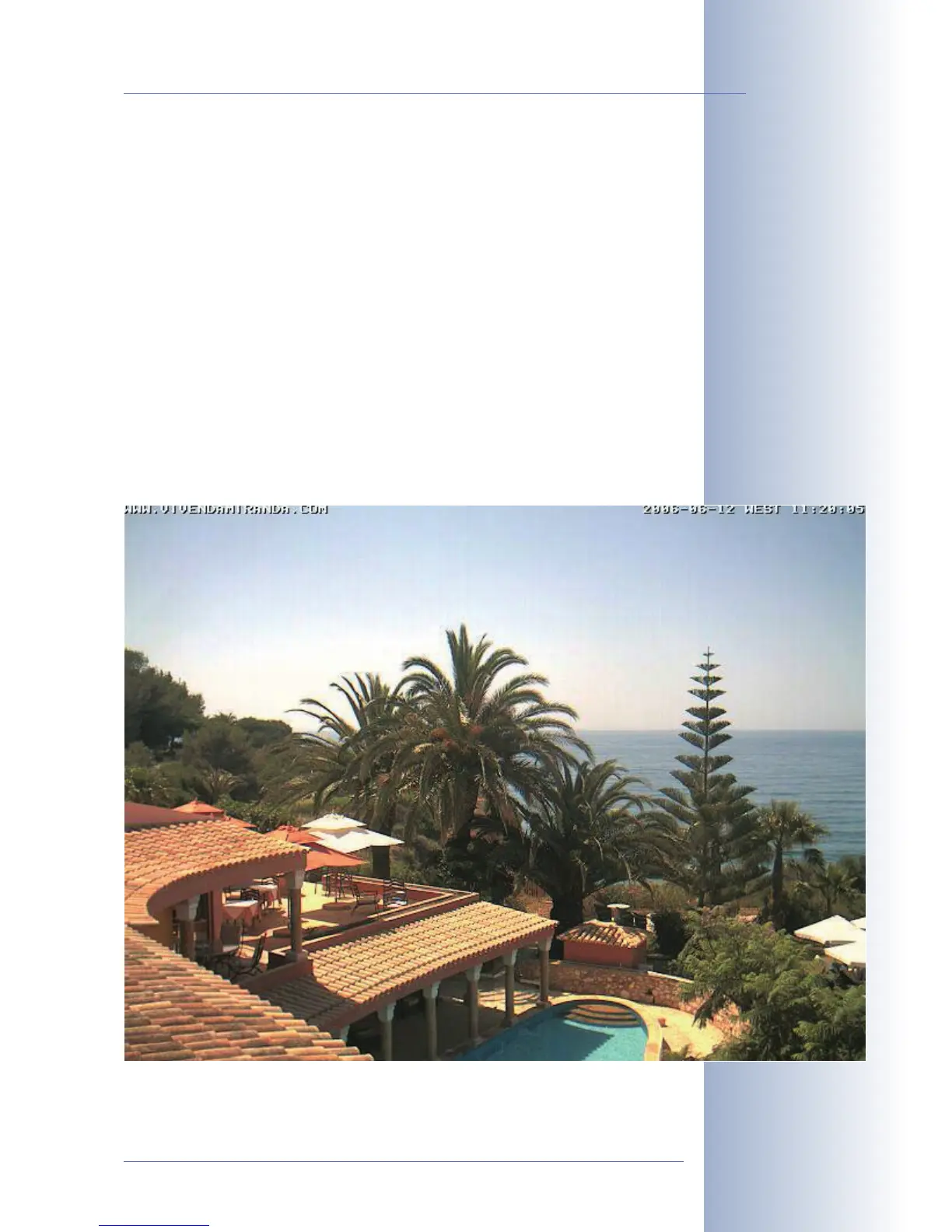
2.14.4 After Mounting the Camera
Controlling the image position and the focus
• Loosen both screws at the turn/tilt joints of the mount using the supplied
Allen wrench (item3) so that you can easily turn and tilt the camera.
• Display the camera images on a computer monitor, then turn and tilt the
camera until you have found the best position.
• Tighten the screws at the turn/tilt joints of the SecureFlex mount using the
Allen wrench (max. 4 Nm/2.95 lbf ft) to make sure that the position of the ca-
mera remains as set.
• If required, clean the lens' surfaces using a clean, lint-free cotton cloth.
• Check the image focus (tele lens L135 only) and the camera position on the
computer monitor. Please also see section 2.16,
Adjusting the Tele Lens
Focus
.
© MOBOTIX AG • Security-Vision-Systems • Made in Germany
www.mobotix.com • sales@mobotix.com
47/92
M12 Camera Manual Part 1
Max. torque for all Allen
screws: 4Nm
(2.95lbf ft)



 To Next Page