Installing MxControlCenter
If you have an MxControlCenter installation CD, insert it into your com-
puter drive.
If this is not the case or if you would like to update an older version, you
can download the latest Windows installer (MSI file) from the MOBOTIX
website and then manually install the current version. The latest version is
available at www.mobotix.com> Support> Software-Downloads in the
MxControlCenter section.
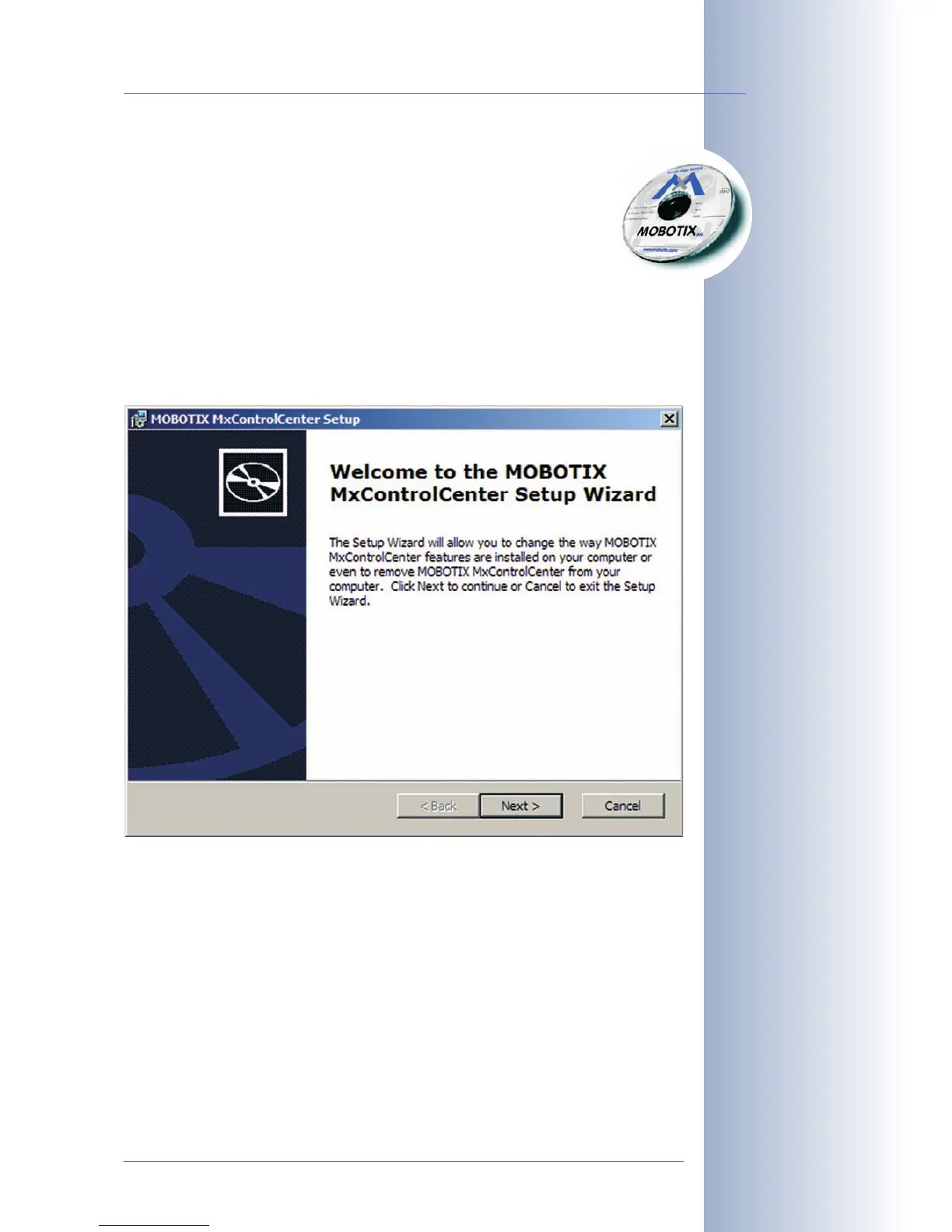
If you are using the installation CD, the installation process starts automatically and
leads you through the necessary steps. If you have downloaded the Installer, sim-
ply double-click the MSI file to begin the process.
The installer automatically creates the shortcuts selected in the installation process
(desktop, start menu, etc.).
© MOBOTIX AG • Security-Vision-Systems • Made in Germany
www.mobotix.com • sales@mobotix.com
73/92
M12 Camera Manual Part 1
Automatic installation of
MxControlCenter with
Windows Installer (MSI)



 To Next Page