Editing the video source list
This list provides a popup menu (right mouse key),
allowing you to select/deselect all video sources at
once. Similarly, you can highlight some or all of the
listed video sources and remove them from the list if
they are not to be displayed or managed in MxCon-
trolCenter.
If you interrupt the discovery process (section
Config-
uring MOBOTIX Cameras for a Different Subnet
) or
require a password that is different from the factory preset one, you can always
launch the configuration process from the popup menu at a later time and enter
the appropriate user name and password.
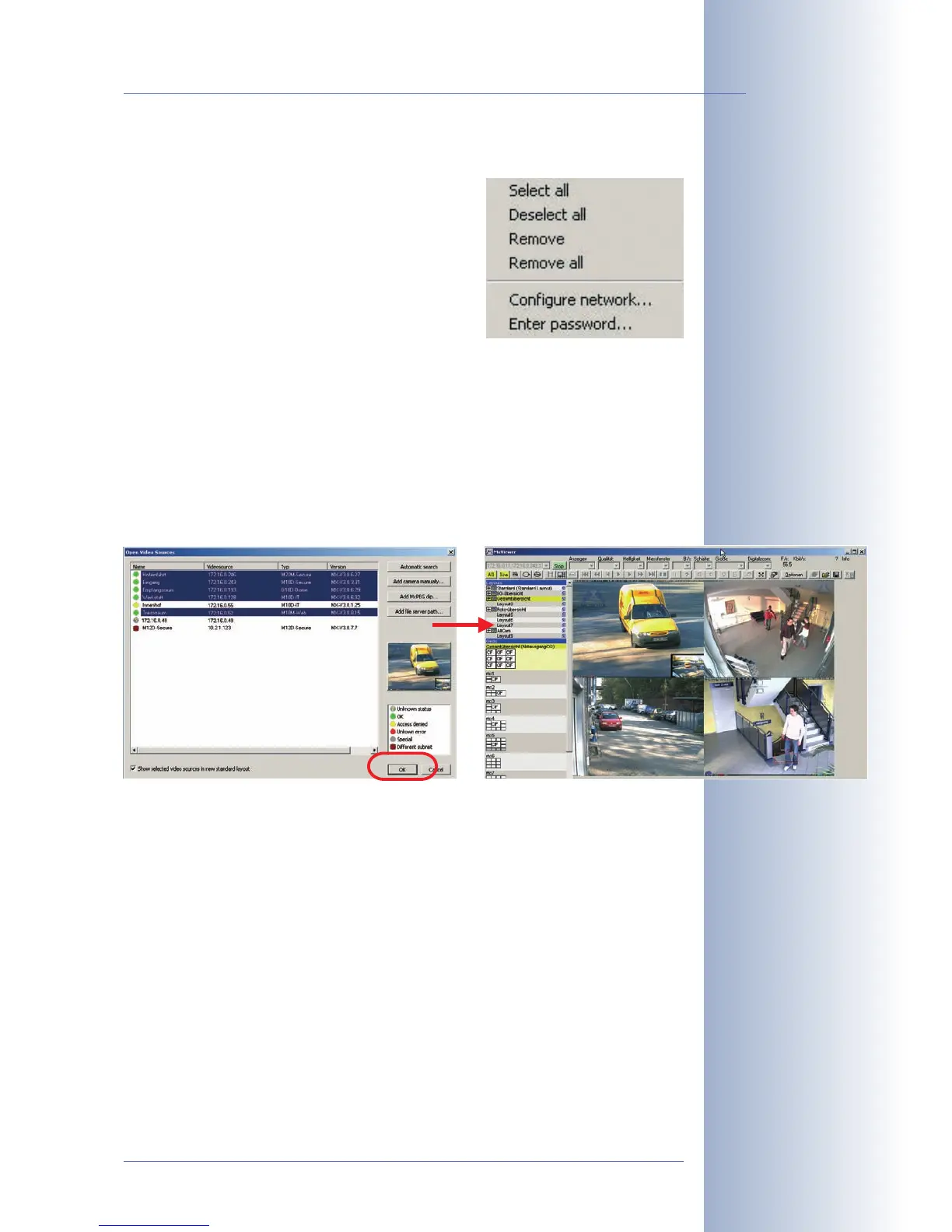
Using the selected video sources
Clicking on OK instructs MxControlCenter to use the highlighted cameras. Activate
the Show selected video sources in new standard layout checkbox and MxCon-
trolCenter automatically generates a layout with the live images of all highlighted
cameras.
© MOBOTIX AG • Security-Vision-Systems • Made in Germany
www.mobotix.com • sales@mobotix.com
77/92
M12 Camera Manual Part 1



 To Next Page