120/148
M15 Camera Manual: Operating The Camera
© MOBOTIX AG • Security-Vision-Systems • Made in Germany
www.mobotix.com • sales@mobotix.com
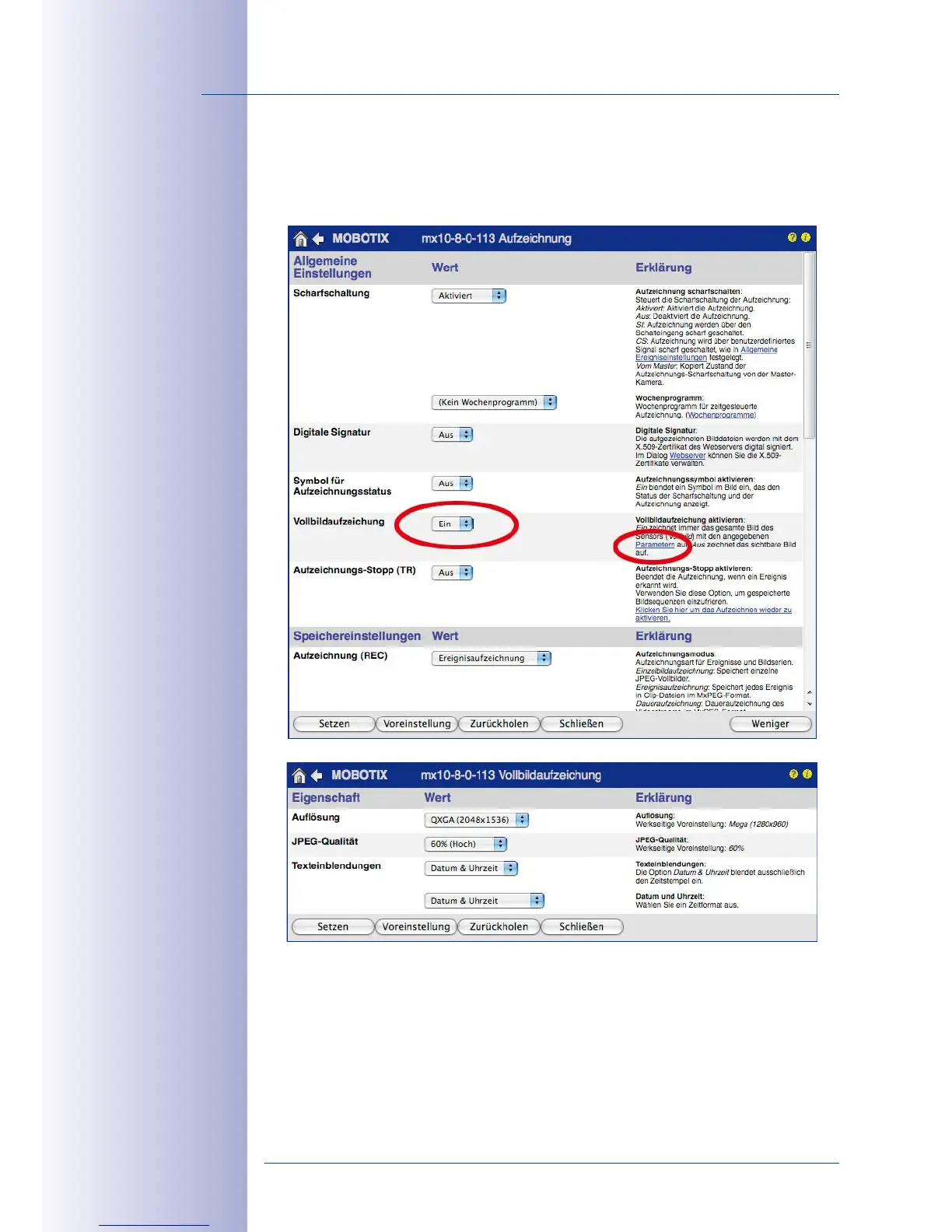
Activate/Deactivate Full Image Recording in the Browser
To configure this feature, open the Setup Menu > Event Control >Recording dialog box
and activate or deactivate the Full Image Recording option.



 To Next Page