136/148
M15 Camera Manual: Operating The Camera
© MOBOTIX AG • Security-Vision-Systems • Made in Germany
www.mobotix.com • sales@mobotix.com
3.6 Configuration in the Browser
3.6.1 Overview
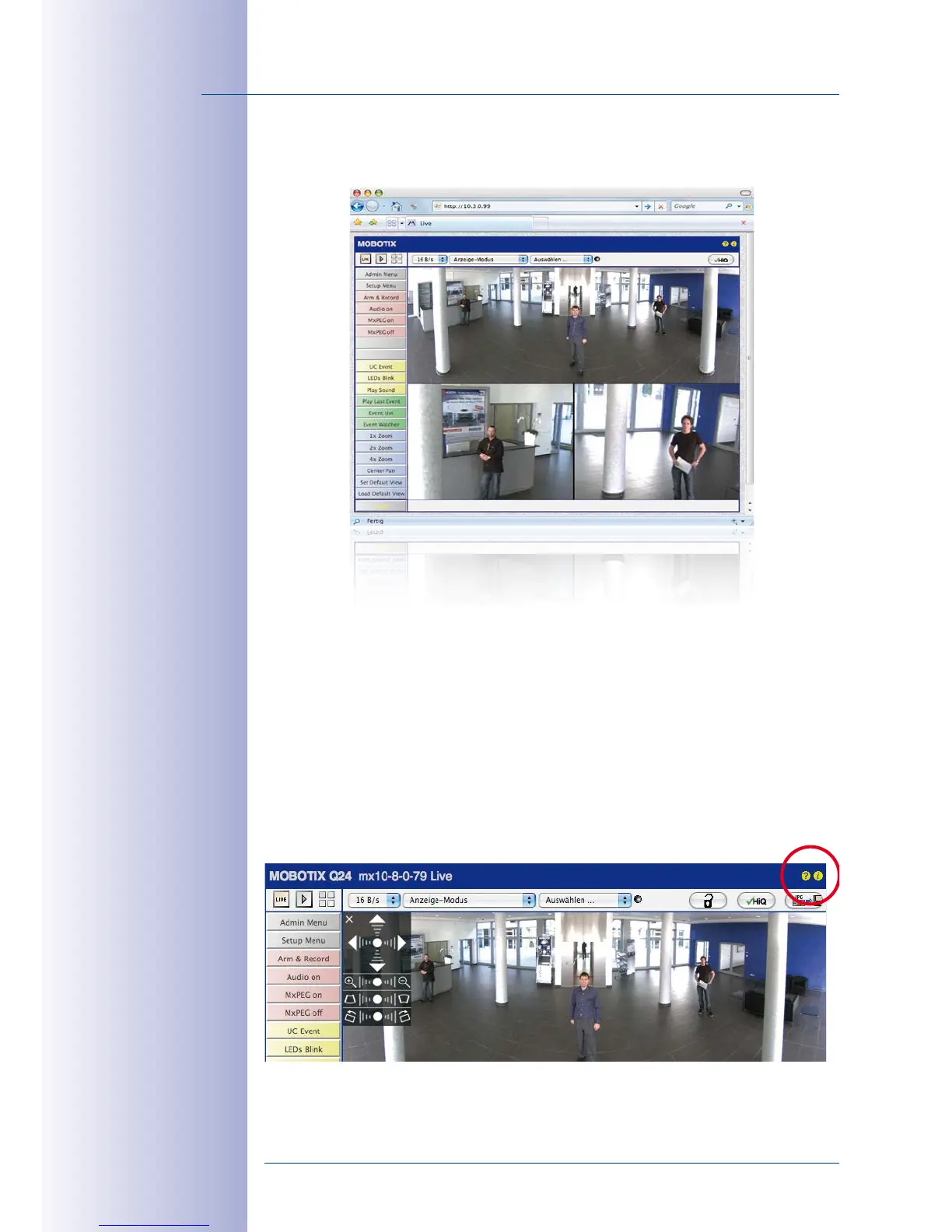
A MOBOTIX camera can be completely configured using a JavaScript-enabled browser
on all common operating systems (such as Windows, Linux, Macintosh, etc.). The camera
provides a HTML-based user interface for this purpose. The camera executes the changes
you make to the camera configuration via HTTP commands using programs and scripts of
the embedded software. The settings are stored in the camera’s flash memory.
This section contains an overview of the general browser settings of the MOBOTIX camera,
as well as further configuration options. Detailed information on the software functions is
provided in the camera’s online help.



 To Next Page