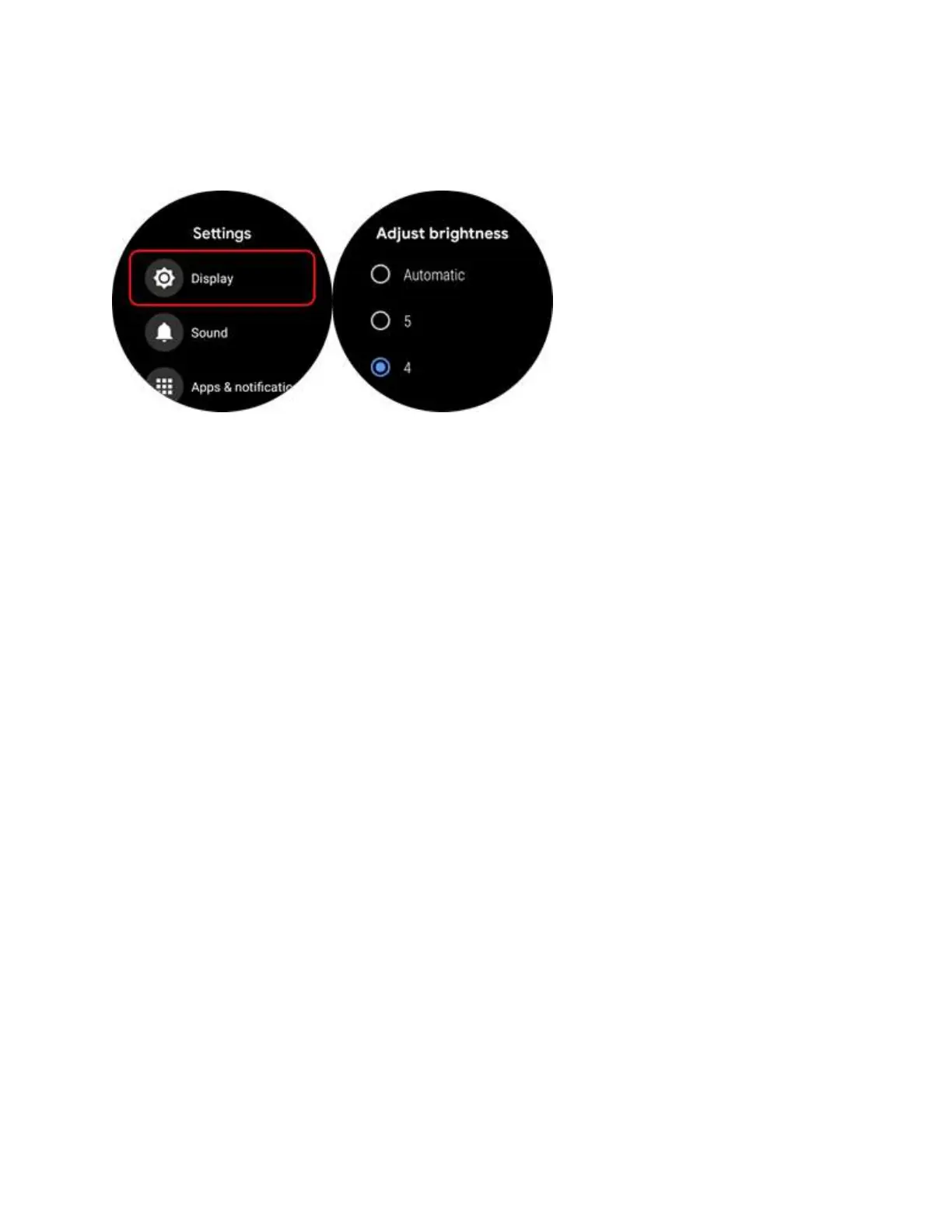
brightness value is selected, the more power is saved)
11. Q: How to connect Wifi?
A:
1. Please enter the main menu by pressing the upper button.
2. Go to “Settings”--”Connectivity”--”Wifi”--”Add network”
3. Click the network you want to connect and you will be asked to enter a
password. You may choose from “Enter on Phone” or “Enter on watch”.
4. If you choose “Enter on Phone”, open Wear OS app on your phone and it would
prompt a window for entering a password.
5. If you choose “Enter on watch”, please use the mini keyboard on the watch to
type password.
6. After password is entered, the status would turn “Connected” in one minute.



 To Next Page