18.3 Spotify
1. Preparation
Download Spotify in Watch Google Play Store (search ‘spotify’ in watch Play
store).
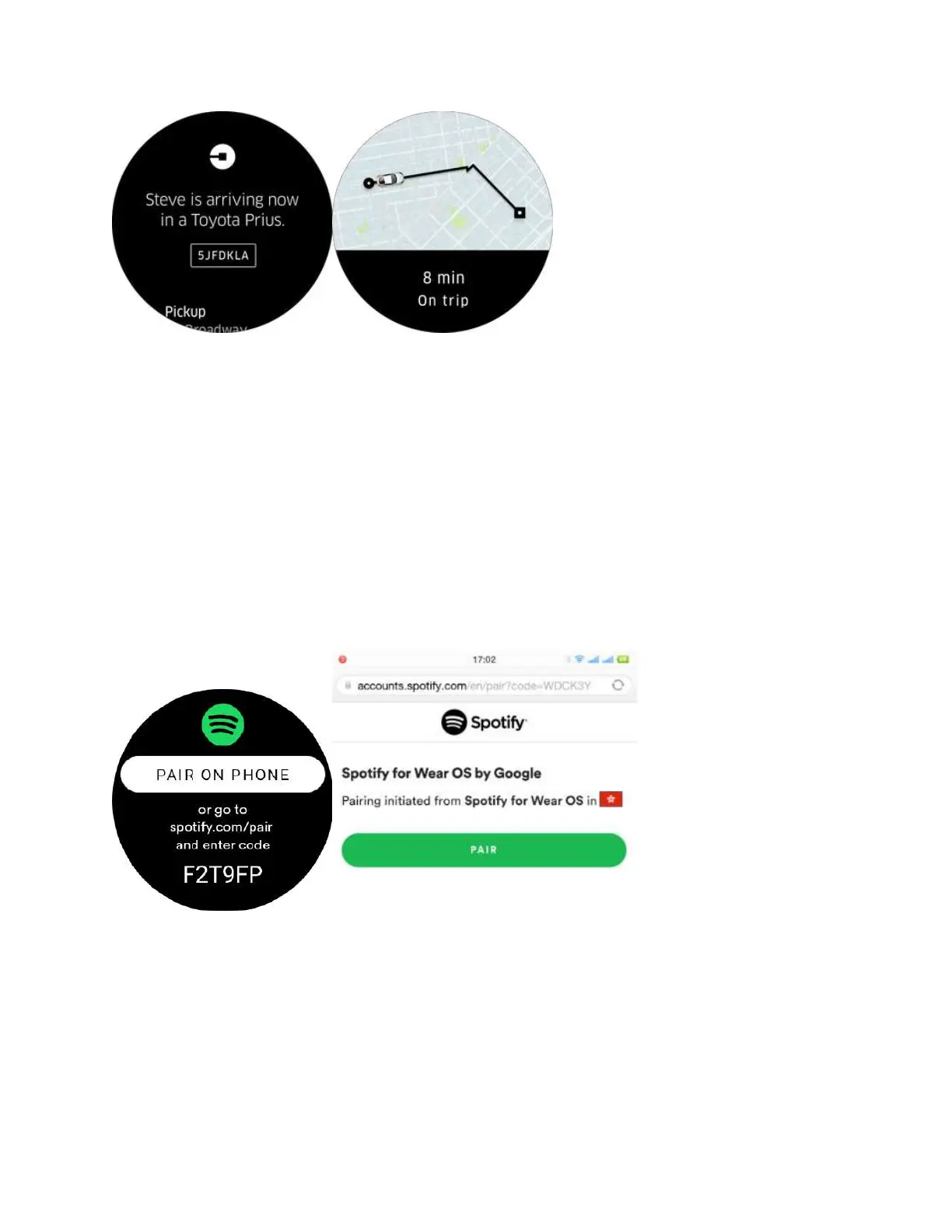
Open Spotify app on watch and tap ‘pair on phone’ .
Go to phone to pair .
Spotify - 2.Start using
After the pairing, open the Spotify app on watch. You can see your [Recently
played] music.
And at the bottom, you can see the status bar if you’re playing music on your
paired phone. Click the bar, go into the [playing page]



 To Next Page